MASTERCLASS
AI for INTERIOR DESIGNERS
Design faster. Present better. Win more projects.
Create magazine-quality interiors, moodboards, and client presentations in minutes instead of hours. A step-by-step AI workflow built for working designers.
Try the first modules for 14 days. If you don’t see results, get a full refund and keep the Prompt Starter Kit. No questions asked.
AI Rendering Workflows for SketchUp.
Turn your SketchUp work into photorealistic renders in minutes.
Use those renders to win more work and stop outsourcing for good.
I spent 10 years rendering for luxury houses like Richemont and LVMH with heavy 3D software like 3ds Max and render engines like V-Ray.
With this AI workflow, I show you how you can get the same magazine-level renders in minutes instead of days.
Featured by leading interior design accounts worldwide
The AI-generated visuals created with this workflow have been reshared by interior design influencers with audiences of 1M+, because the quality holds up next to real editorial photography.


If you're spending more time rendering than designing, something needs to change.
AI has cut my client revision time by about half.
You have the taste. Clients trust your eye. But every revision request means hours of re-rendering. Every new concept direction means starting from scratch. And when a client asks to "just see it in a different fabric," you know that simple request is anything but simple.
Now it's a few minutes. Same for relighting a room or rearranging an entire furniture layout. I change it, look at it, and send it back the same afternoon.
That's the part that changed for me. Across a whole project, AI has reduced my client revision time by ~50%.
That is what this masterclass teaches.
A designer-first AI workflow, built from real project experience
When I was doing 3D visualization for luxury brands (Richemont, LVMH) or interior design projects, the quality of my renders was never the problem. The speed was.
One client revision could cost half a day. Testing 3 lighting options meant 3 full renders. Showing a room with different furniture? Start over.
When AI image models became precise enough to handle real interior design work, I rebuilt my entire workflow around them. Not for fun. For production. The first time I turned a raw SketchUp screenshot into a photorealistic render with a single prompt, I knew the process had changed permanently.
I spent 2 years refining this into a repeatable system. Midjourney for concept creation and style exploration. Nano Banana Pro for precise edits on renders, plans, moodboards, and client visuals. Together, they cover the full design visualization workflow.
This masterclass gives you that system. Step by step, with screen recordings and copy-paste prompts, so you can use it on your own projects this week.
Enroll Now
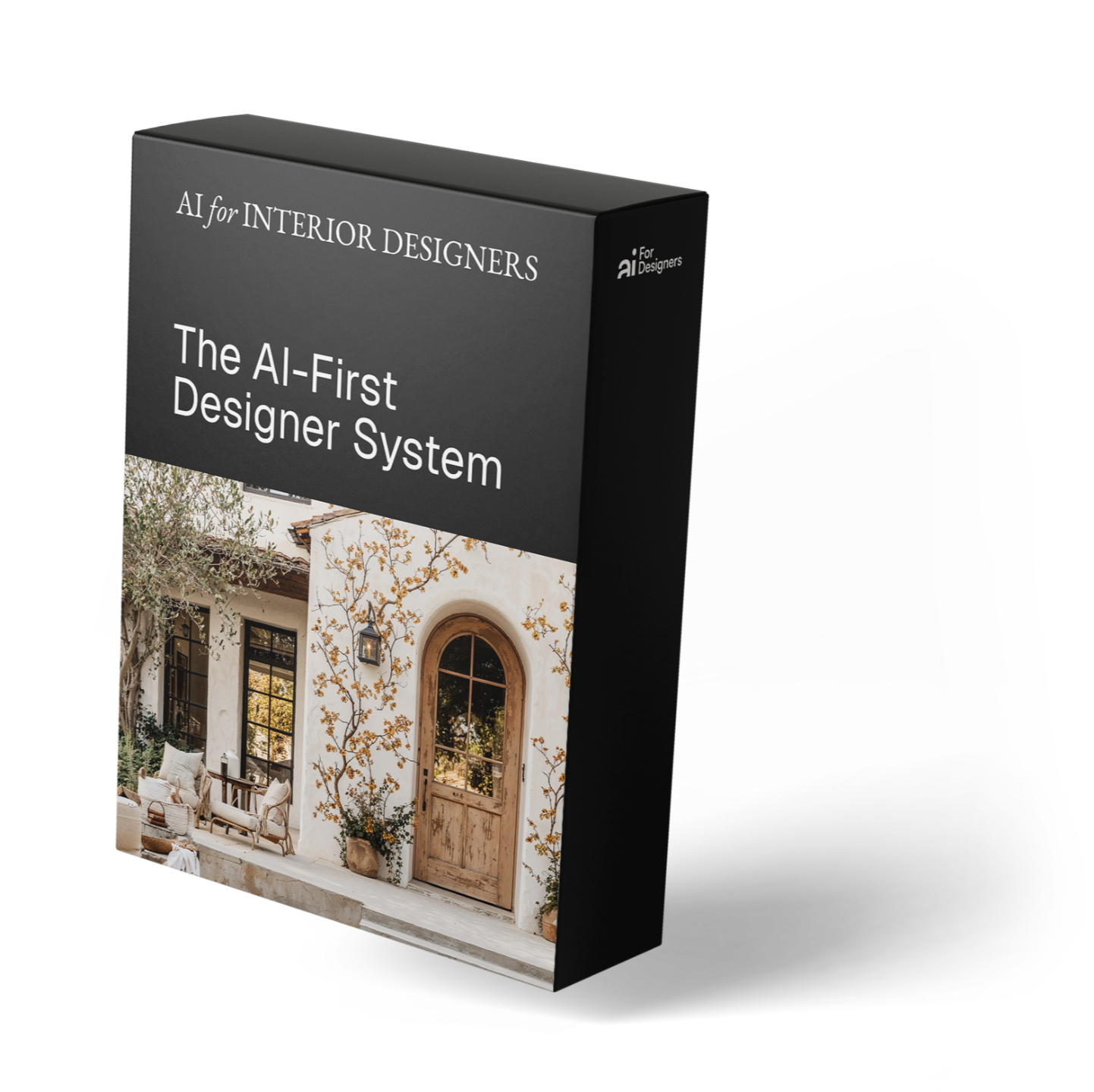
What you'll learn inside of the course

Create any interior from a prompt, a sketch, or a SketchUp screenshot
Generate magazine-quality interiors in minutes using Nano Banana Pro. Lock your signature style with step-by-step recipes for materials, palettes, and lighting so every output feels unmistakably like your work.
Go from a rough idea to a polished, portfolio-ready visual without opening your rendering software.
No guesswork. Copy-paste prompts, consistent results, full style control.

Edit renders, swap materials, and iterate client changes in seconds
Feed in 3D screenshots, floor plans, or existing renders and transform them with Nano Banana Pro. Swap furniture sets, change wall finishes, test lighting moods, add people, adjust camera angles... All while keeping the composition and architecture intact.
Turn a single render into 10 client-ready variations without starting over.
Faster revisions. Happier clients. Hours back in your week.

Turn your visuals into visibility, grow your brand and generate leads
Use AI to build a consistent Instagram and LinkedIn presence. Learn a repeatable pipeline for turning design images into scroll-stopping content, and convert attention into booked consultations and project inquiries.
The design workflow creates the visuals. This module shows you how to make them work for your business.
Bonus modules on Instagram Reels and LinkedIn authority included.
FREE BONUS (worth $47 alone)
Get 1 month of the AIforDesigners.io App free (Pro plan)
When you enroll in the Masterclass, you don’t just learn the framework, you also get the tool to execute faster.
Right after your purchase, you’ll receive an email to activate your free month of the AIforDesigners.io App on the Pro plan (normally $47/month).
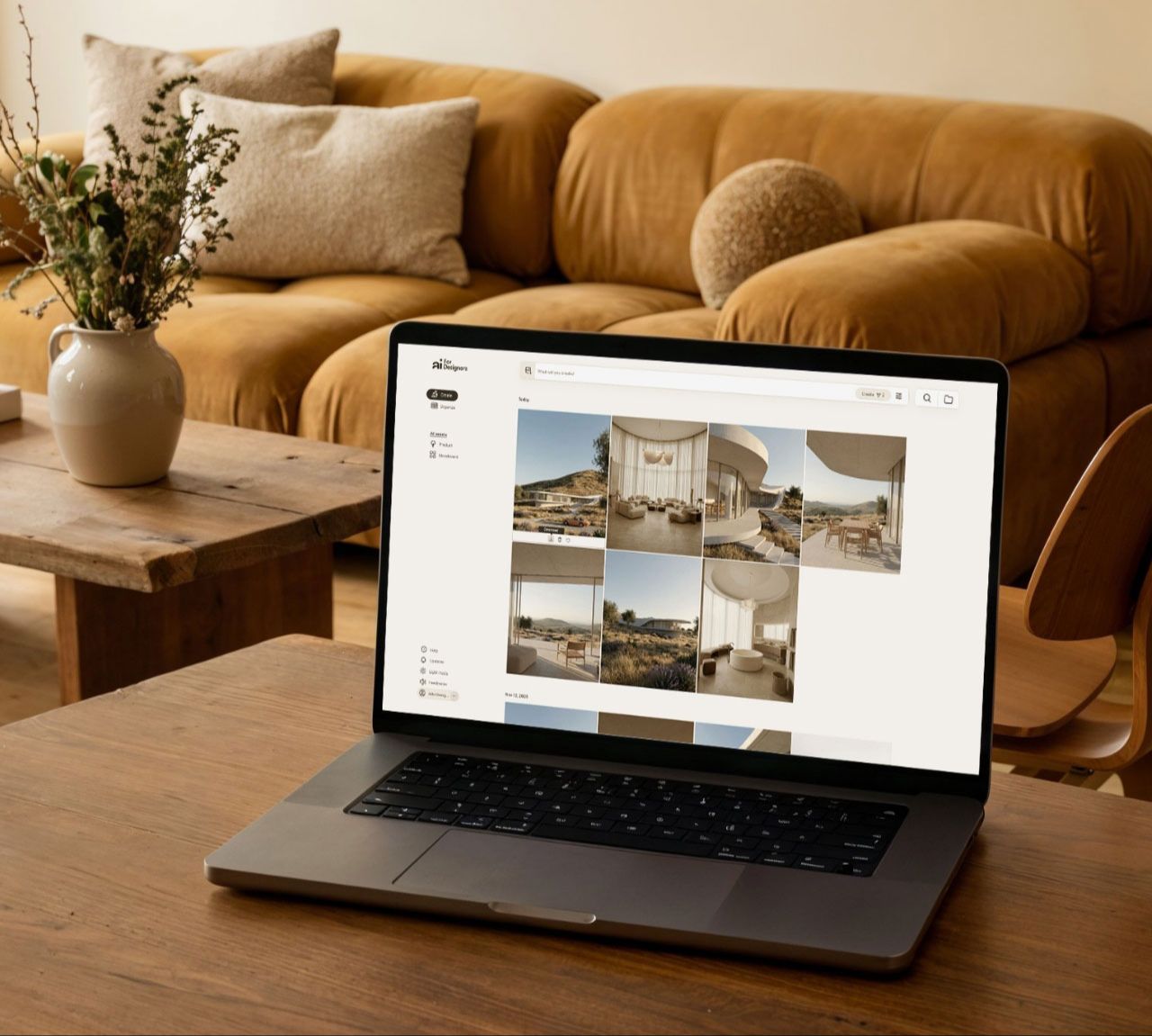
This includes 150 image generations for the month powered by Nano Banana Pro, so you can generate, iterate, and polish client-ready visuals in minutes, without breaking your style.
Activate it from the email, log in, and you’re ready to go.
Enroll now and the bonus is included automatically.
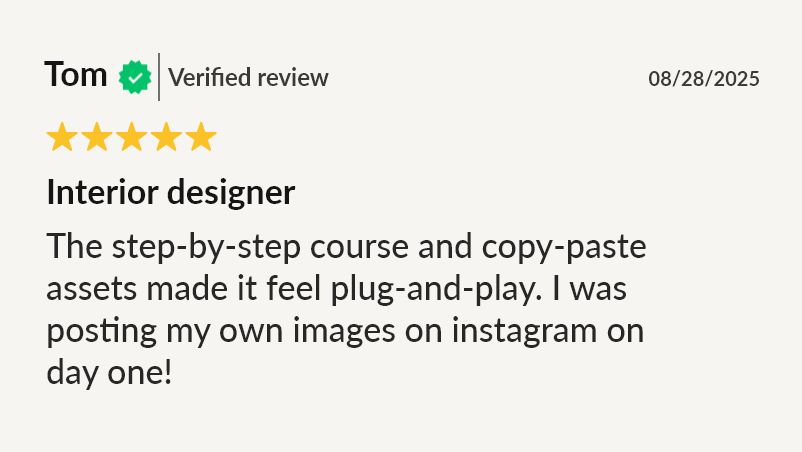
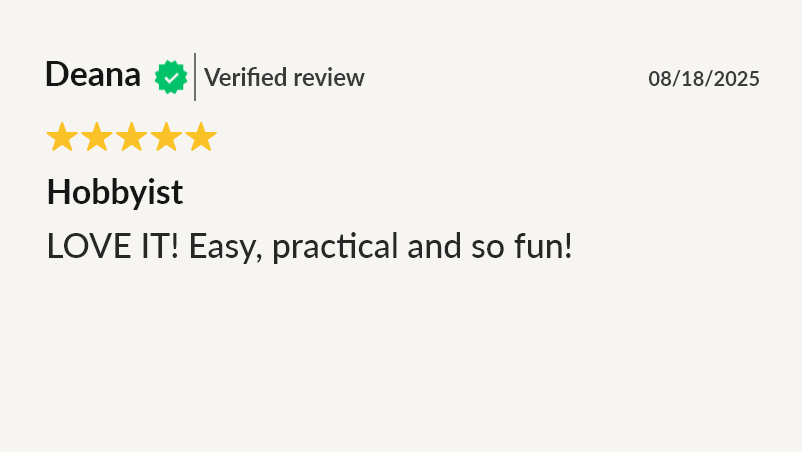
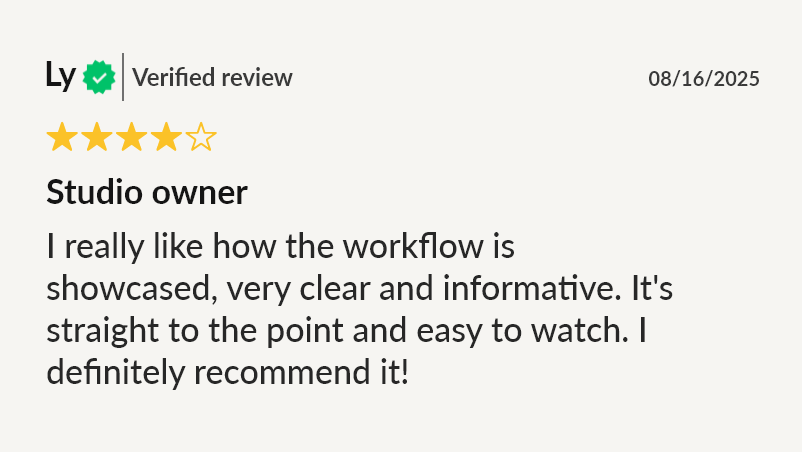
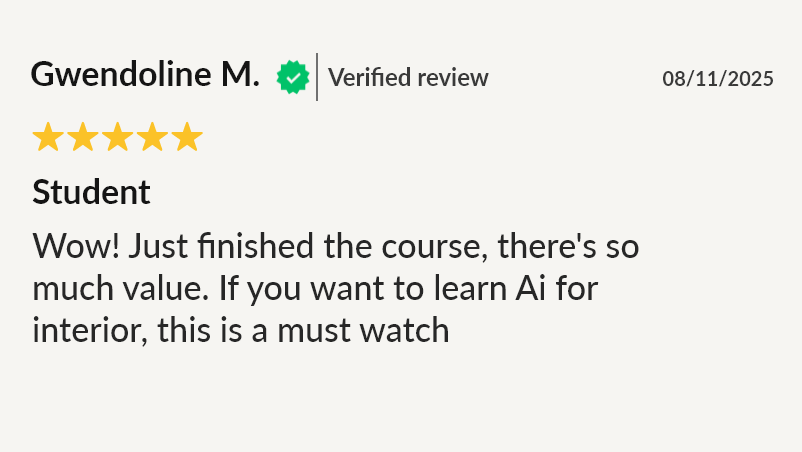
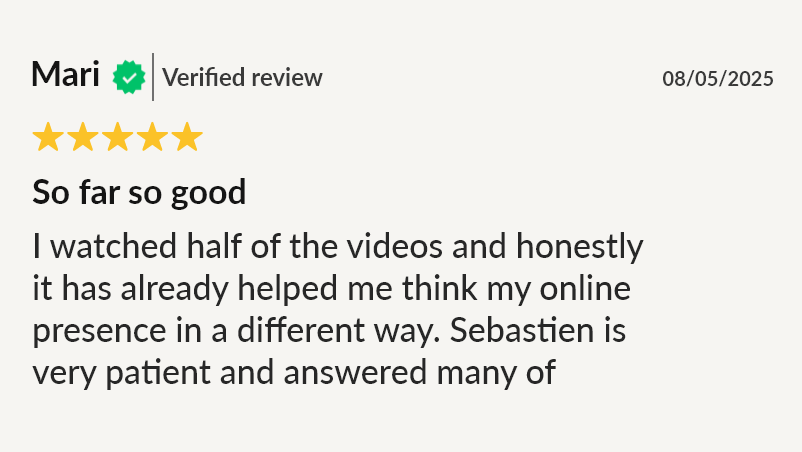
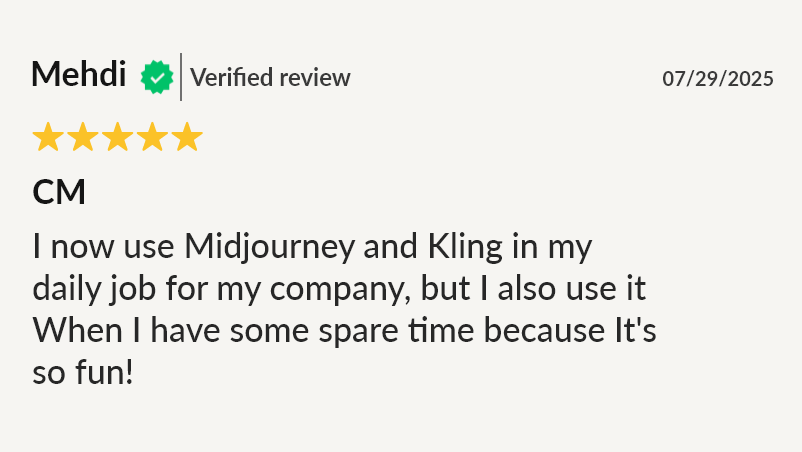
What people are saying about the course

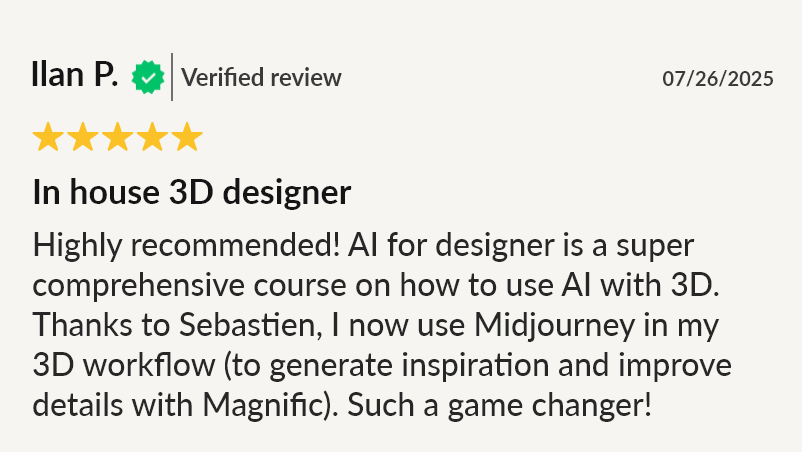
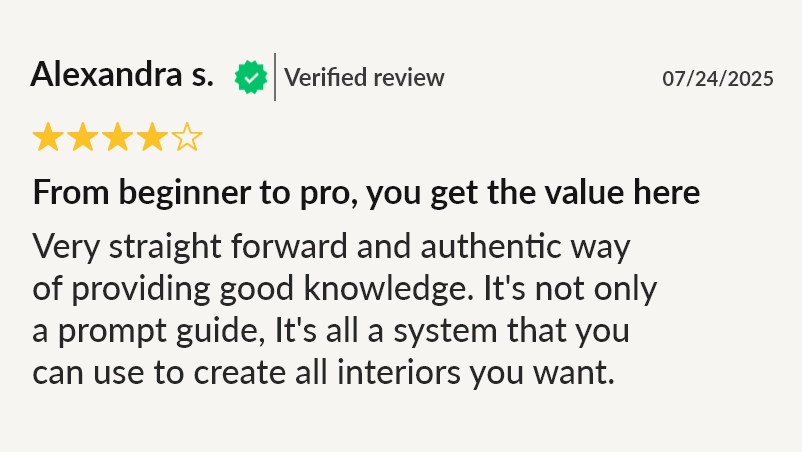
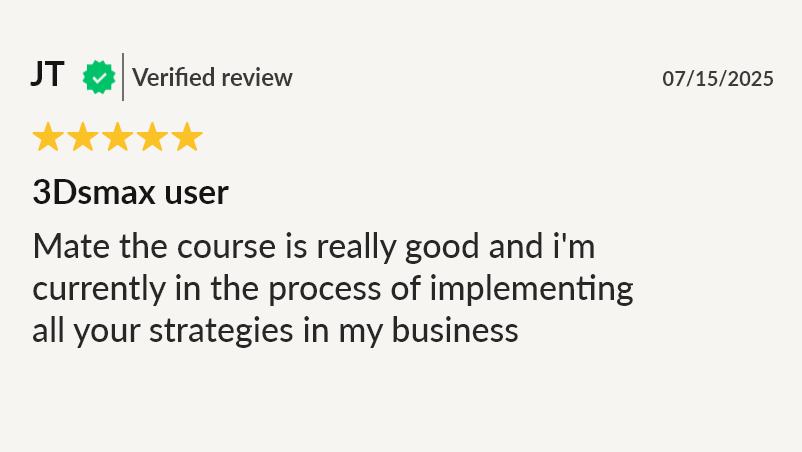
FREE BONUS (worth $97 alone)
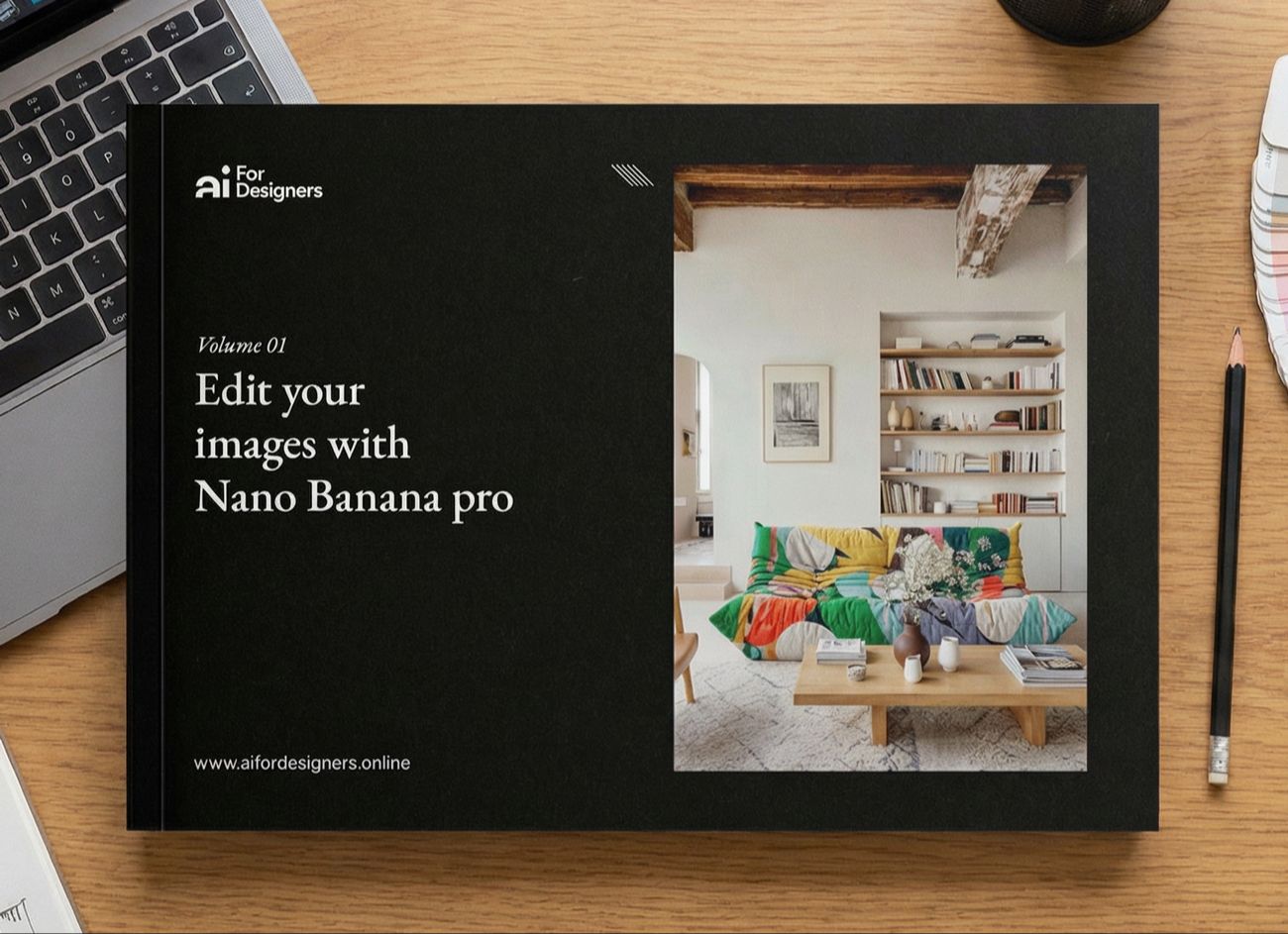
Ebook 1 – Nano Banana Guide for Interior Design
With Nano Banana, you can cut hours of rendering and revisions down to just minutes—giving you more time for design and clients.
In this guide, I share all my prompts and workflows that I used in my daily work as a designer.
When you enroll, you get full access to The Masterclass plus the Interior AI Guide Bundle ebooks (sold separately on my site) at no extra cost.
Below are a few use cases I show in the ebook 👇
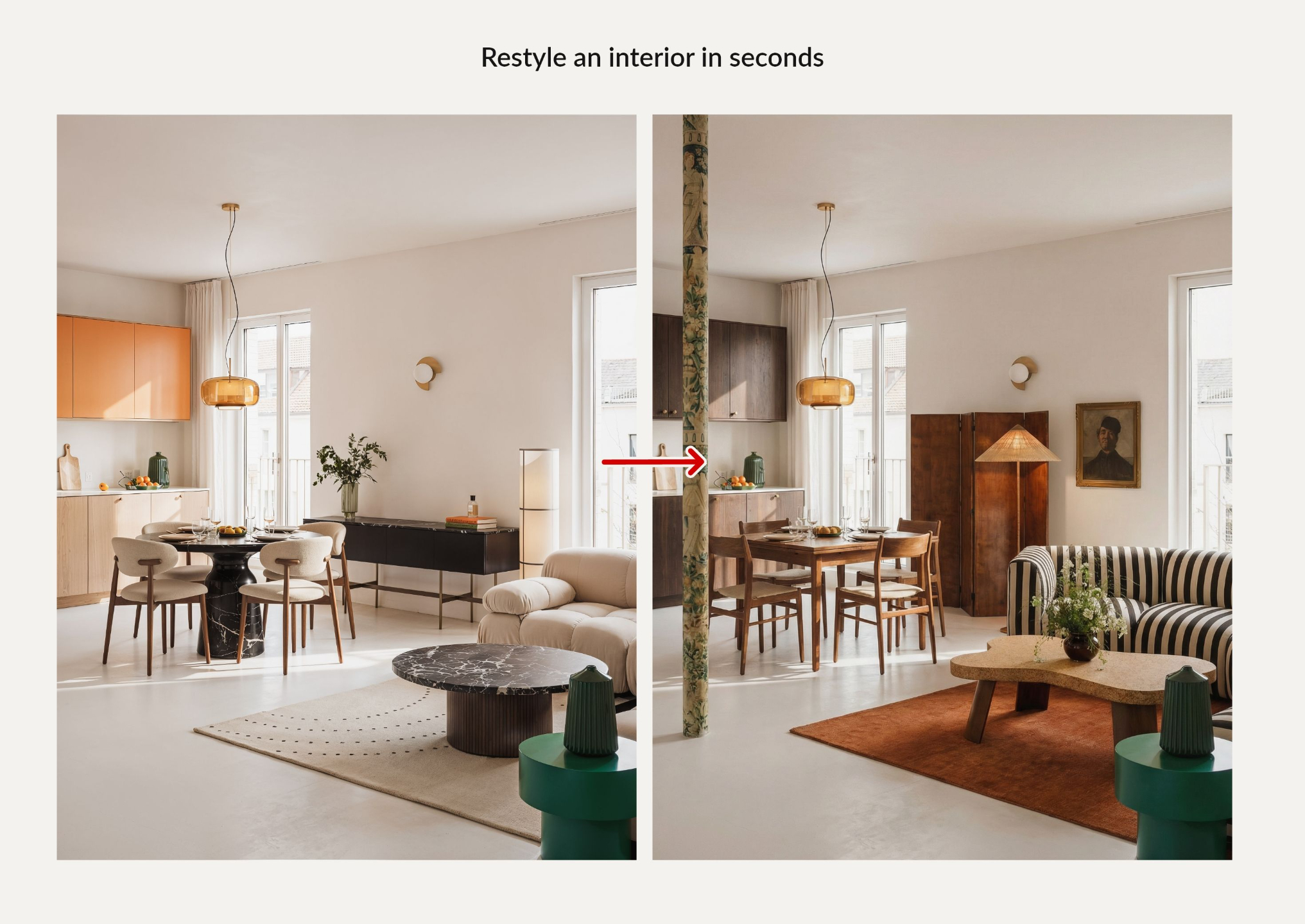
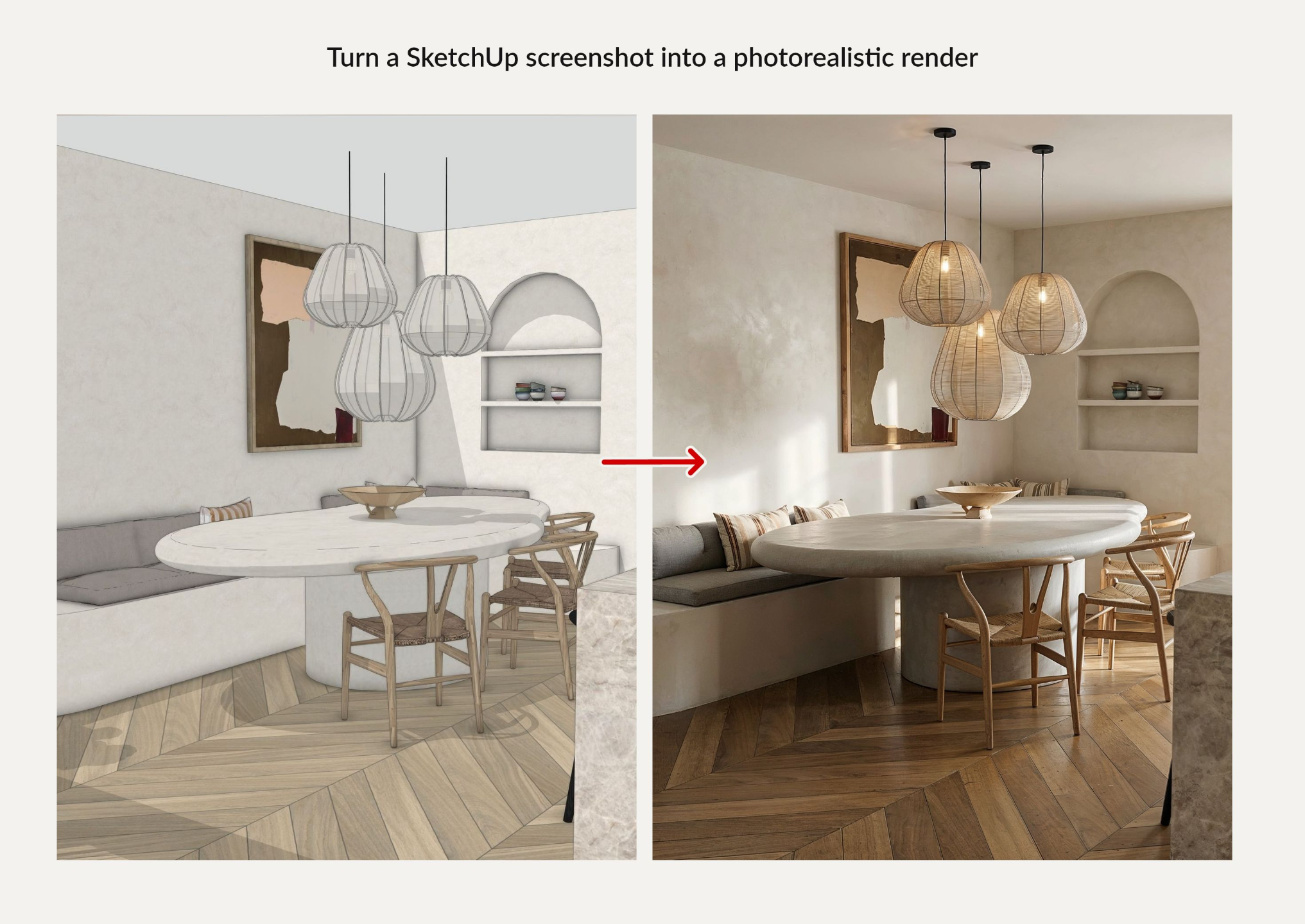
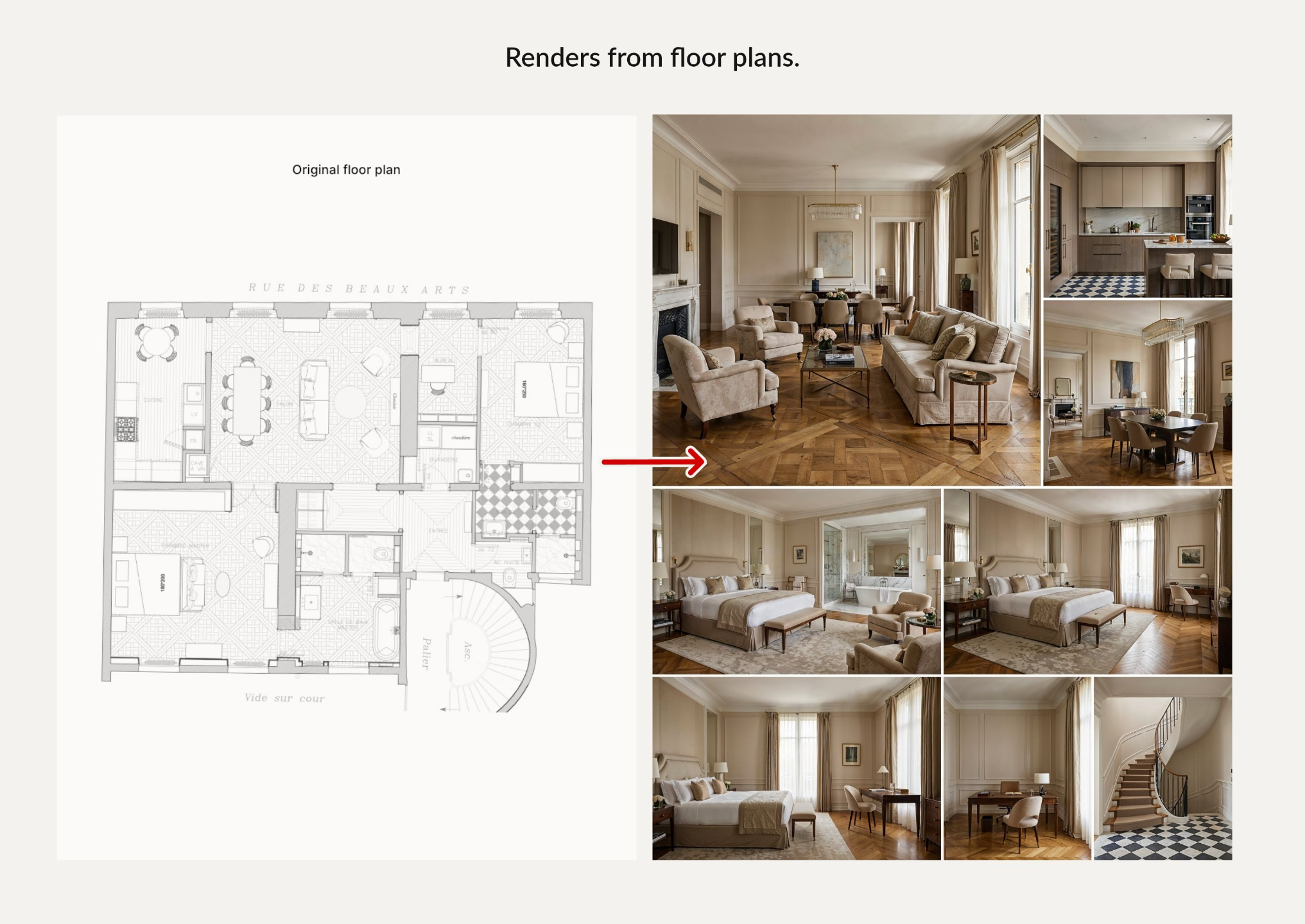
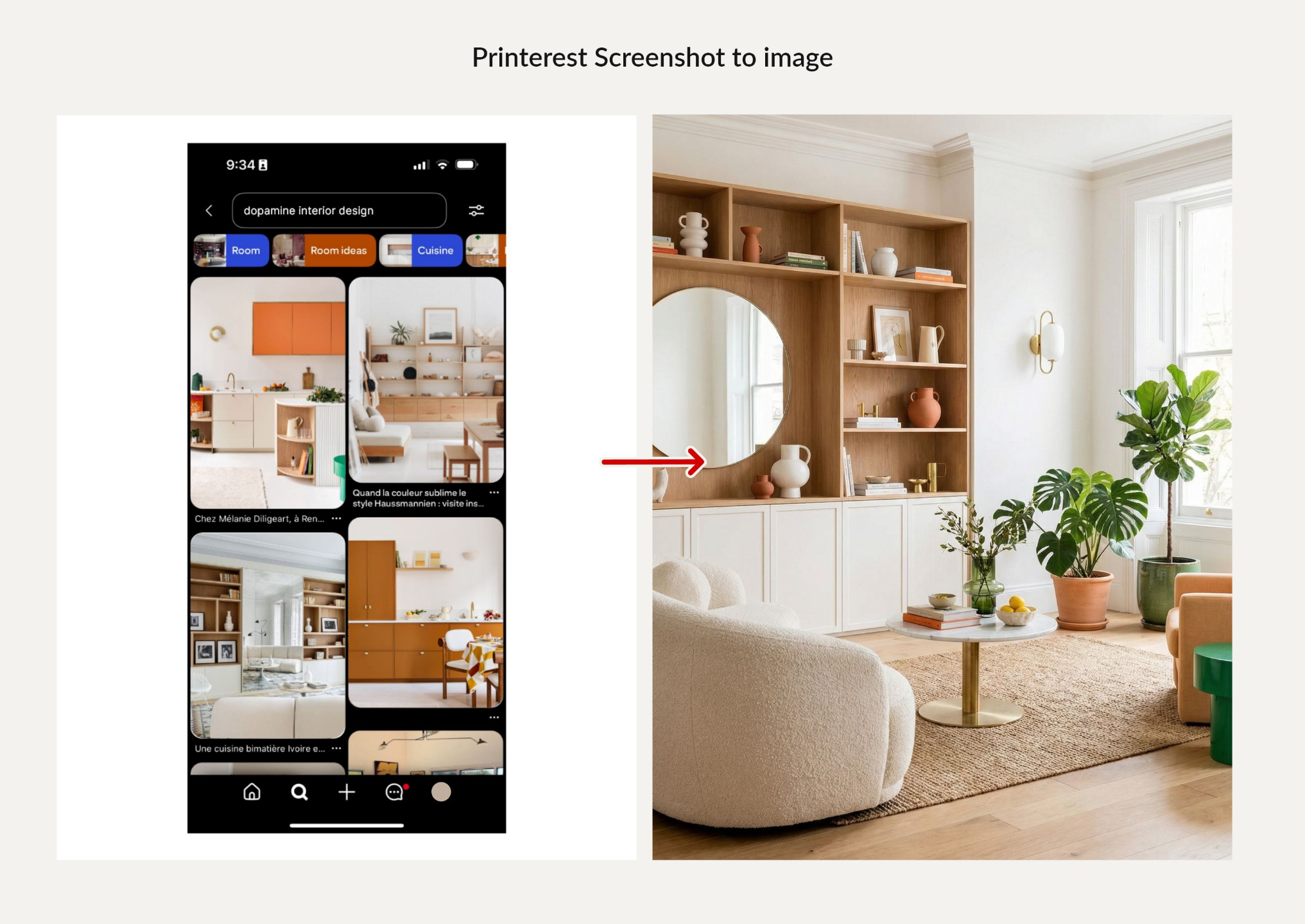
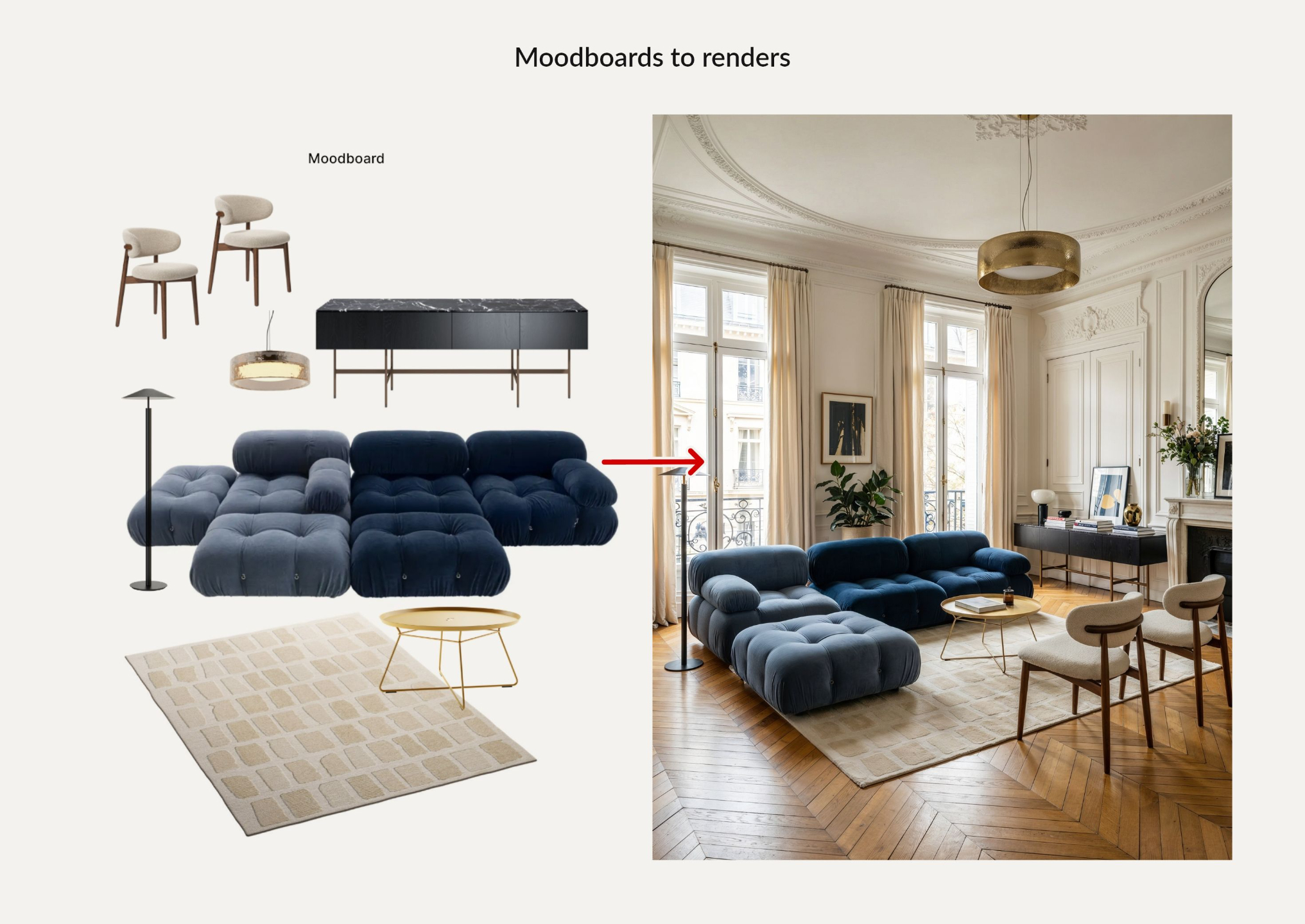
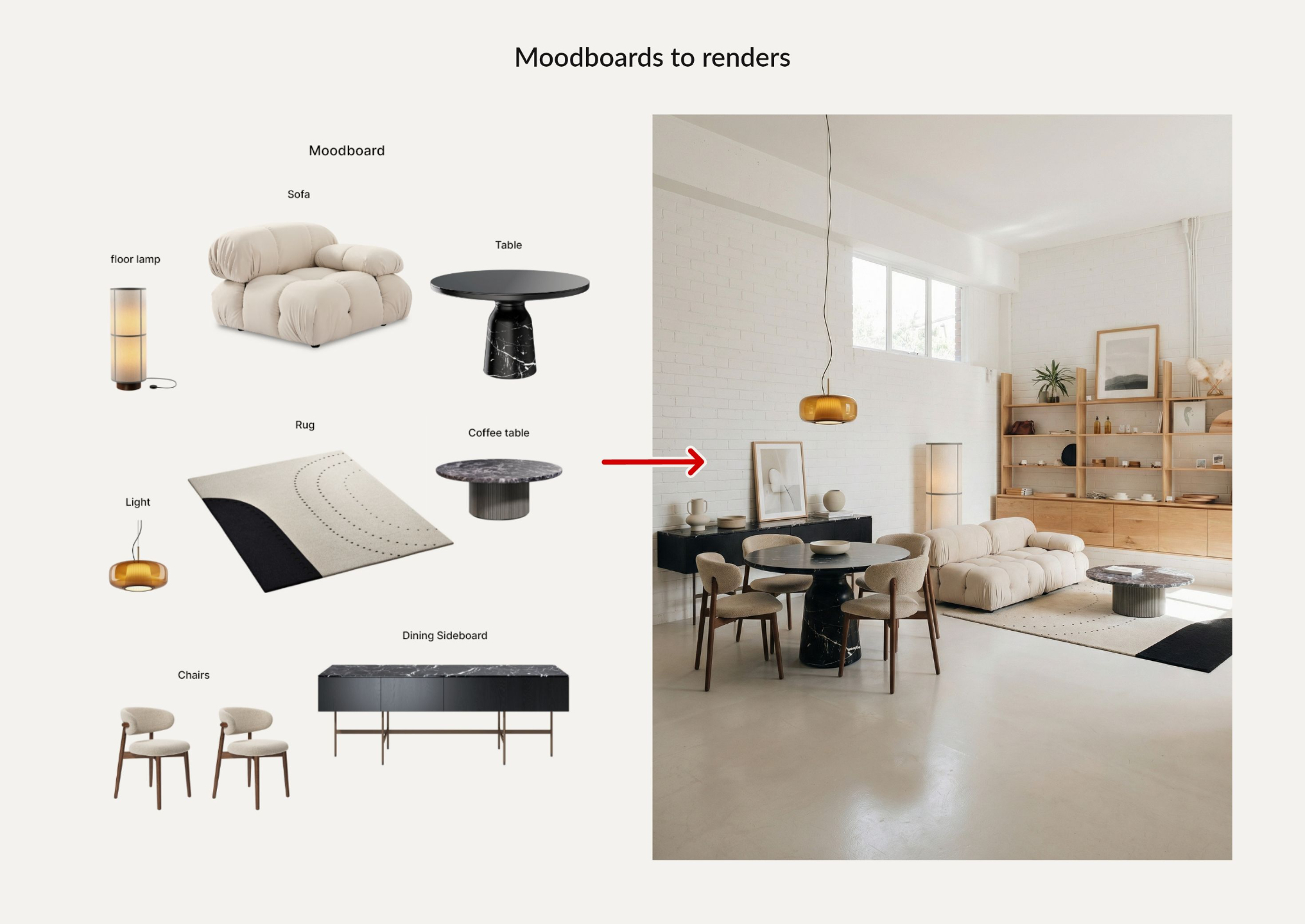
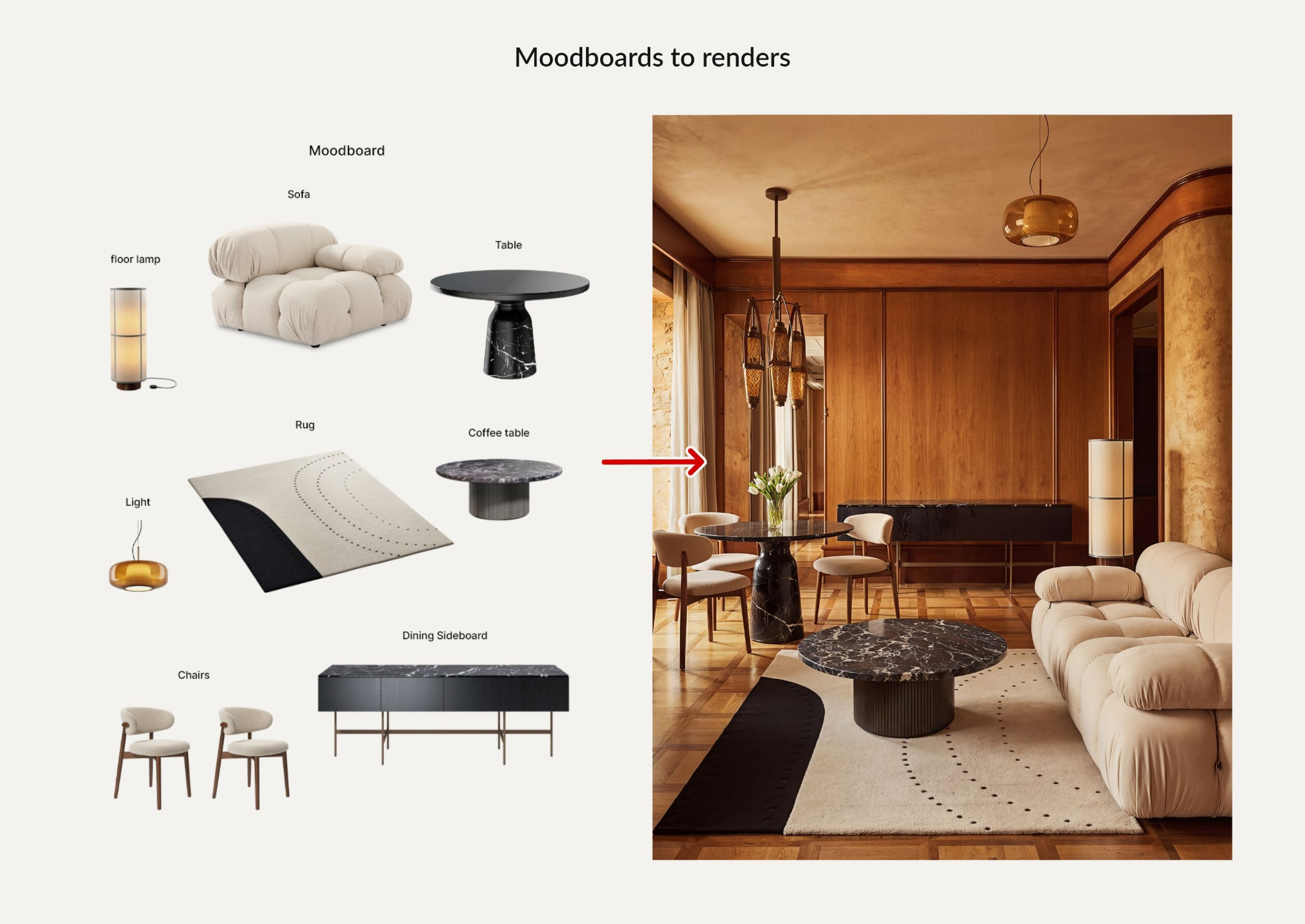
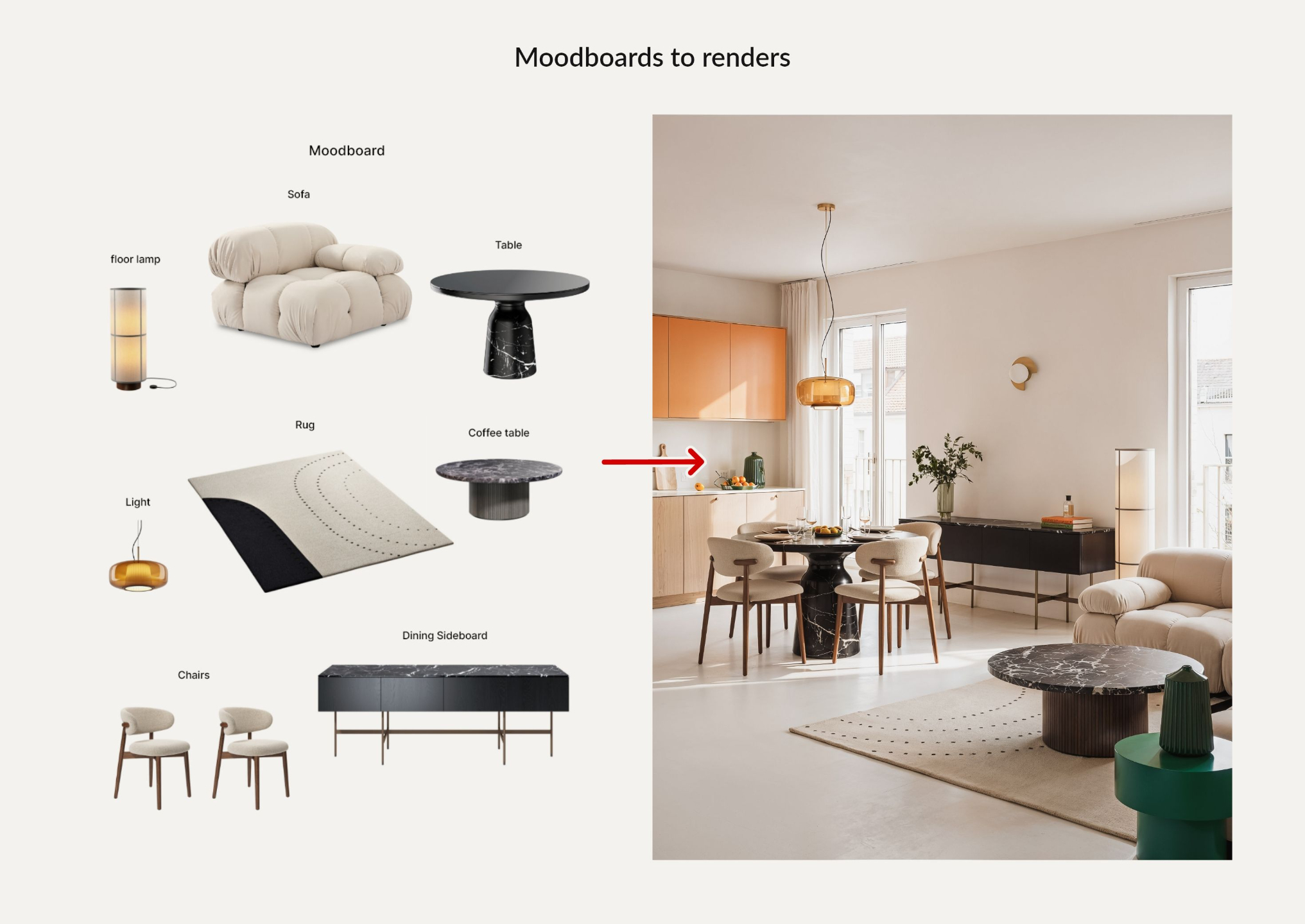
What you'll learn inside of this ebook
Create moodboards for your projects at the speed of light
Restyle a room from an image reference in an instant, create moodboards for your projects without spending hours on Pinterest, and create interiors from moodboards.
Test different directions side by side without redrawing anything—just swap references and let the AI do the heavy lifting.
From one spark to a full, coherent concept in minutes.
Edit your renders and images in seconds
Feed in raw SketchUp screenshots or basic 3D outputs and turn them into magazine-worthy images. Swap entire furniture sets, materials, and color schemes in seconds, or flip between day, night, and golden hour to test lighting moods.
Keep the same camera, composition, and structure while you iterate, so every change feels fast and low-risk instead of a full re-render.
Refine your visuals on demand, without starting the project from scratch.
Go from floor plan to “I can see myself there”
Drop empty 2D plans into AI and instantly see them furnished, styled, and translated into 3D-like views. Generate interior “photographs” directly from a plan so clients understand volume, flow, and layout at a glance.
Use these visuals early in the process to validate ideas, spot issues, and get buy-in before you invest time in heavy modeling.
Turn flat drawings into clear, client-friendly visuals in a few clicks.
Who is this course for?
Interior designers, architects, decorators, 3D visualizers, and small studios who want to work faster and present better using AI. This course is for you if you are:
Spending too much time on renders and revisions instead of designing.
Curious about AI but want a proven system and not random YouTube tutorials.
Ready to deliver client-quality visuals in minutes and win more projects with better presentations.
FREE BONUS (worth $97 alone)
Ebook 2 – Midjourney Prompt Collection
Plug-and-play prompts for interiors & architecture
This guide is a curated Midjourney prompt library, built from over two years of testing and experimentation, that was used to grow an Instagram account to around 100 million views in 2024–2025.
When you enroll, you get full access to The Masterclass plus the Interior AI Guide Bundle ebooks (sold separately on my site) at no extra cost.
Get Instant Access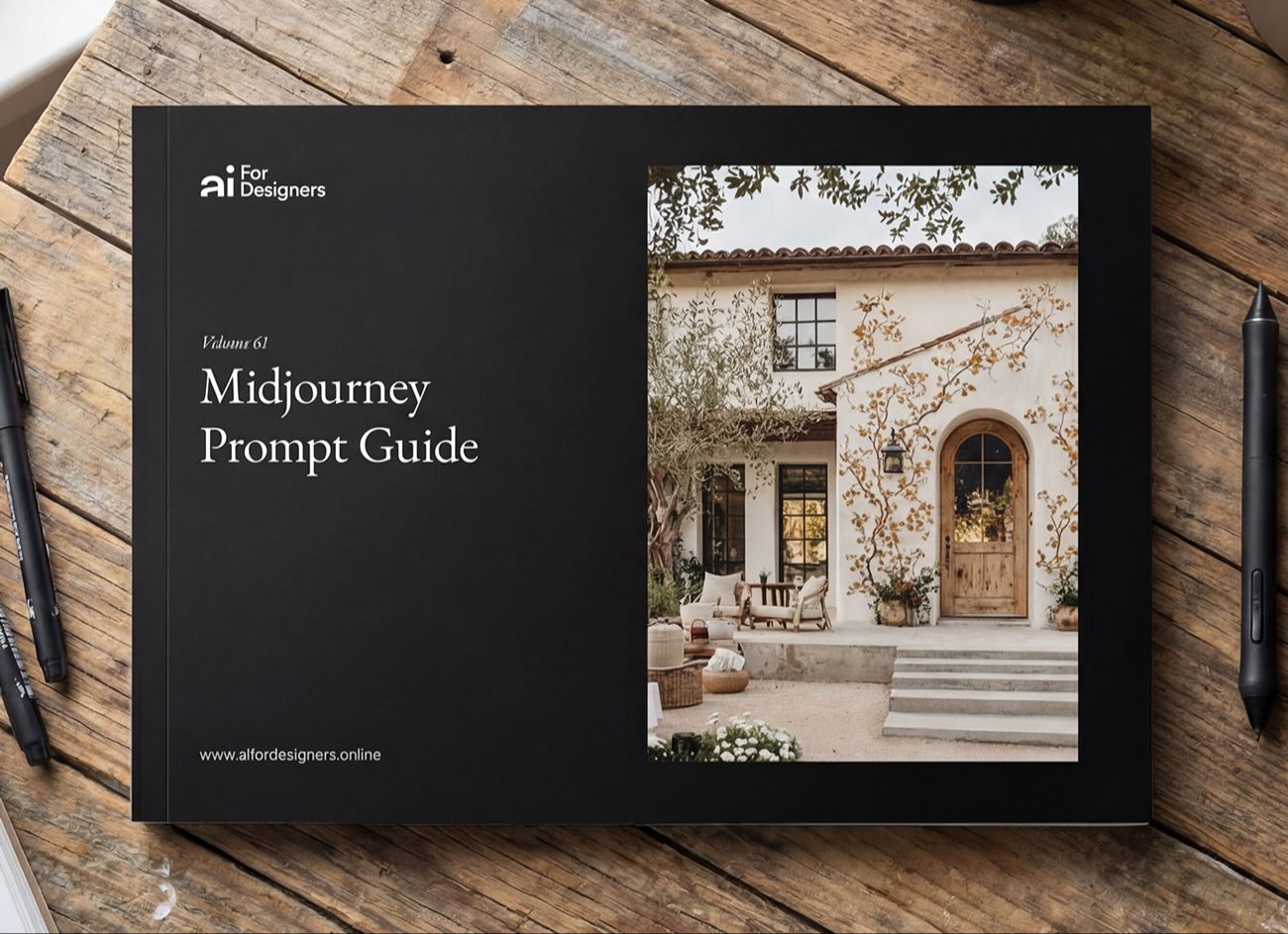
Free Bonus - 300+ prompts
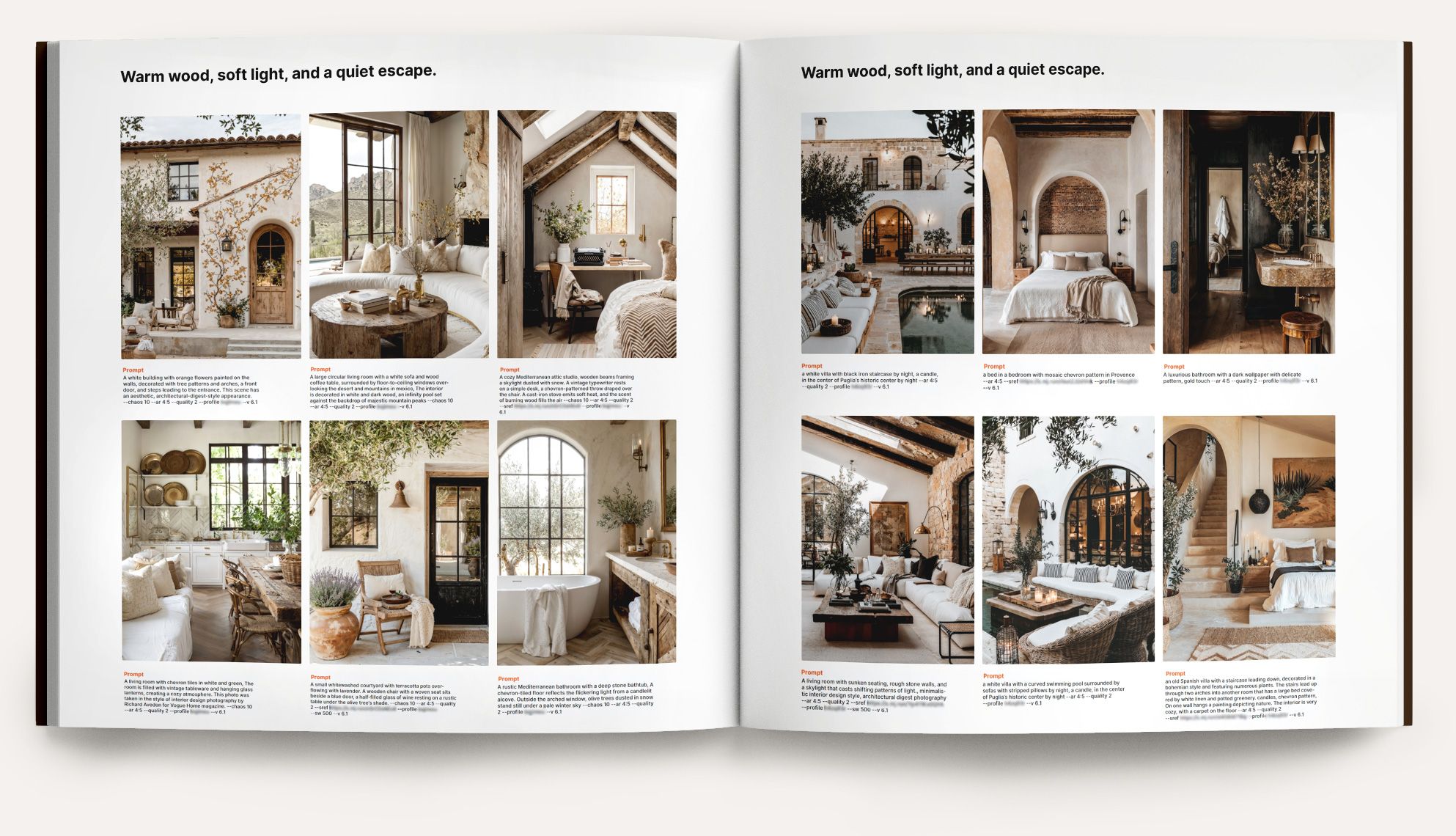
The AI for Designers Prompt Guide
(Standalone $97 — Yours Free with the Course)
This ebook compiles the exact 300+ prompts I use on my Instagram page (100k+ followers, ~5M monthly views, with posts and reels hitting millions).
Copy, paste, and customize—then publish on your own social media with confidence.
The Course (what you get)
Format: Self-paced video course—25+ lessons, 6 hours of concise screenflows with captions. Lifetime access + updates.
Module Highlights
Module 01 — AI-Powered Design & Visualization (Midjourney + Nano Banana Pro)
Module 02 — Bonus: Instagram Reels That Build Your Audience
Module 03 — Bonus: LinkedIn Authority & Inbound Leads
Enroll today and get $430 in bonuses included
Nano Banana Pro Guide (150 pages of prompts and use cases) — Standalone $97 FREE
The exact prompts and workflows for turning 3D screenshots into photorealistic renders, staging interiors with new furniture, testing materials, and much more.
Midjourney Prompt Guide (300+ prompts) — Standalone $97 FREE
Copy-paste Midjourney prompts for every interior style with style-lock recipes for materials, palettes, and lighting.
1 month of the AIforDesigners.io App free (Pro plan) — Standalone $47 FREE
150 image generations powered by Nano Banana Pro. Generate, iterate, and polish visuals directly in the app.
Reels & Caption Hooks Library for interior design — Standalone $45 FREE
Tested hooks and captions that drive saves and shares.
CapCut tutorial — Standalone $99 FREE
Create polished video content in minutes using the free version of CapCut.
LinkedIn Content Creation Matrix — Standalone $45 FREE
A 30-post grid that turns case studies into authority posts that start conversations.
Total value: $430 — included when you enroll today.
Instant access. Future updates included.
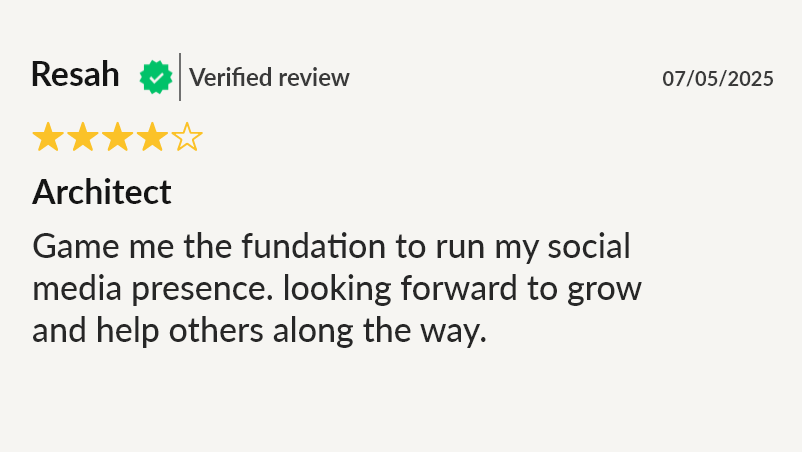
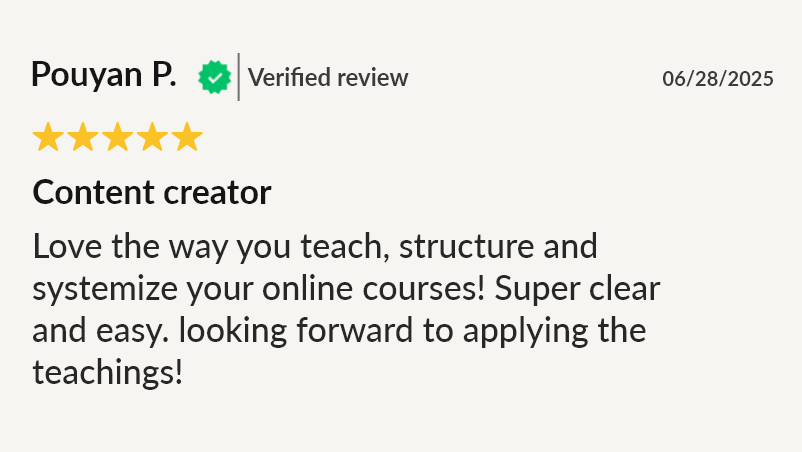
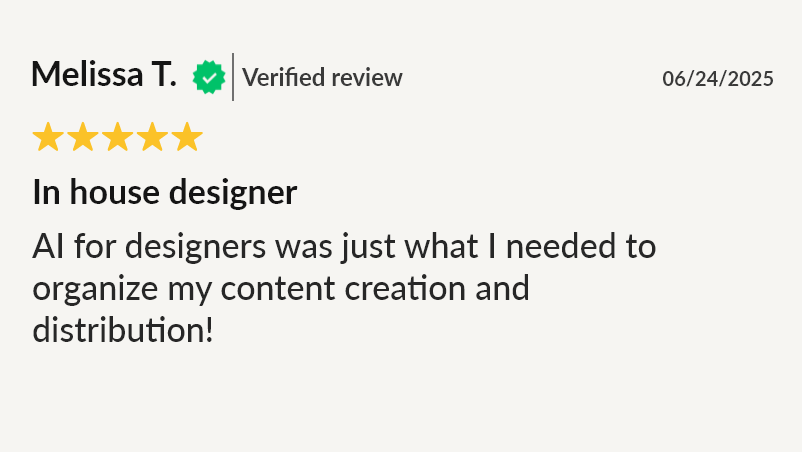
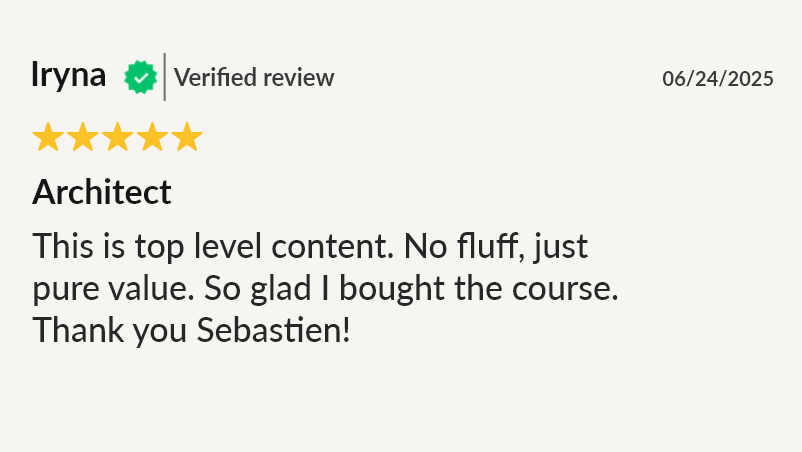
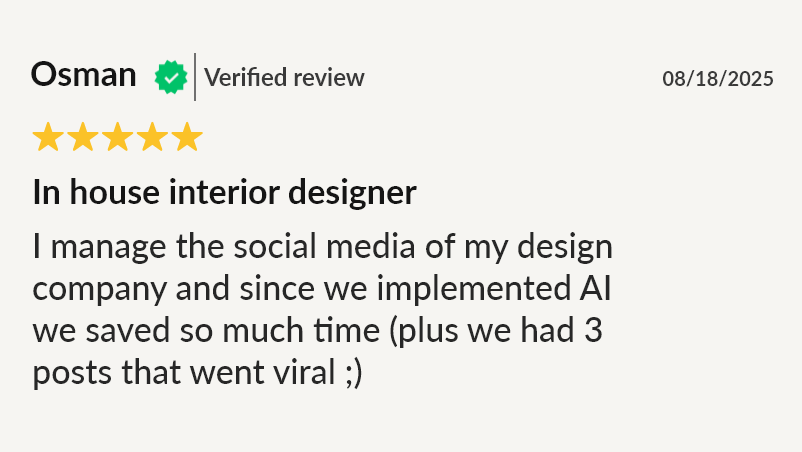
What people are saying about the course

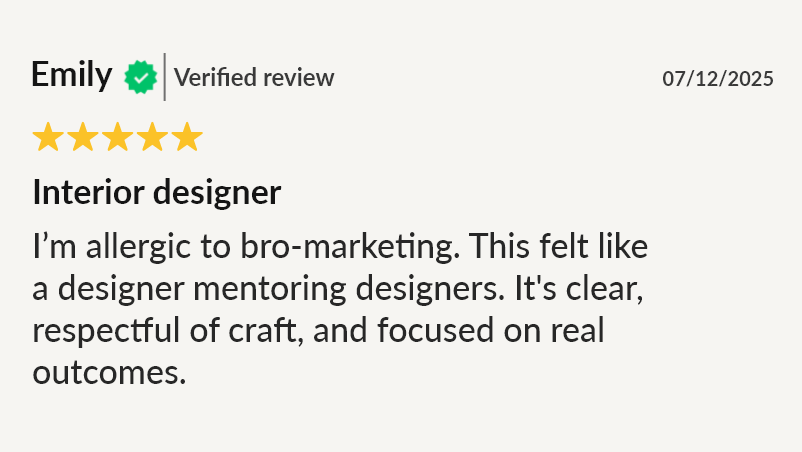
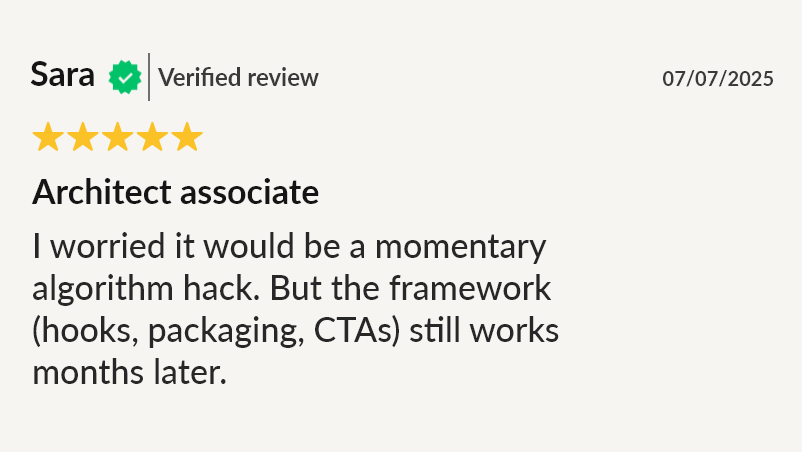
Posts reshared by major design influencers (some with 1M+ audiences)
Being featured on high-follow interior design pages proves the framework works beyond my own feed.
When top interior design influencers reshared my work, my inbox flooded with DMs and consultation bookings quickly followed.


With this masterclass, you will be able to:
- Iterate on client renders in minutes instead of hours. Swap materials, change lighting, test furniture layouts, and present multiple options without starting a new render.
- Create photorealistic visuals from sketches, floor plans, and rough 3D models. Turn a SketchUp screenshot into an Architectural Digest-quality image with a single prompt.
- Lock your signature style across every image. Style-lock recipes ensure your AI outputs look like your work, not generic AI art.
- Present with more confidence and win more projects. Show clients moodboards, lighting studies, and furnished interiors that help them say yes faster.

Case Study
What happens when you combine quality visuals with consistent publishing
This is a single post from my own Instagram page that I created entirely with the AI workflow taught in this masterclass.
Results: 425,482 views, 28,000 likes, 11,000 saves, 6,124 profile visits, 94.1% non-followers reached.
Outcome: Over 100 DM inquiries for interior design from this one post.
The design workflow creates the visuals. Consistent quality creates the opportunities.

What people are saying about the course


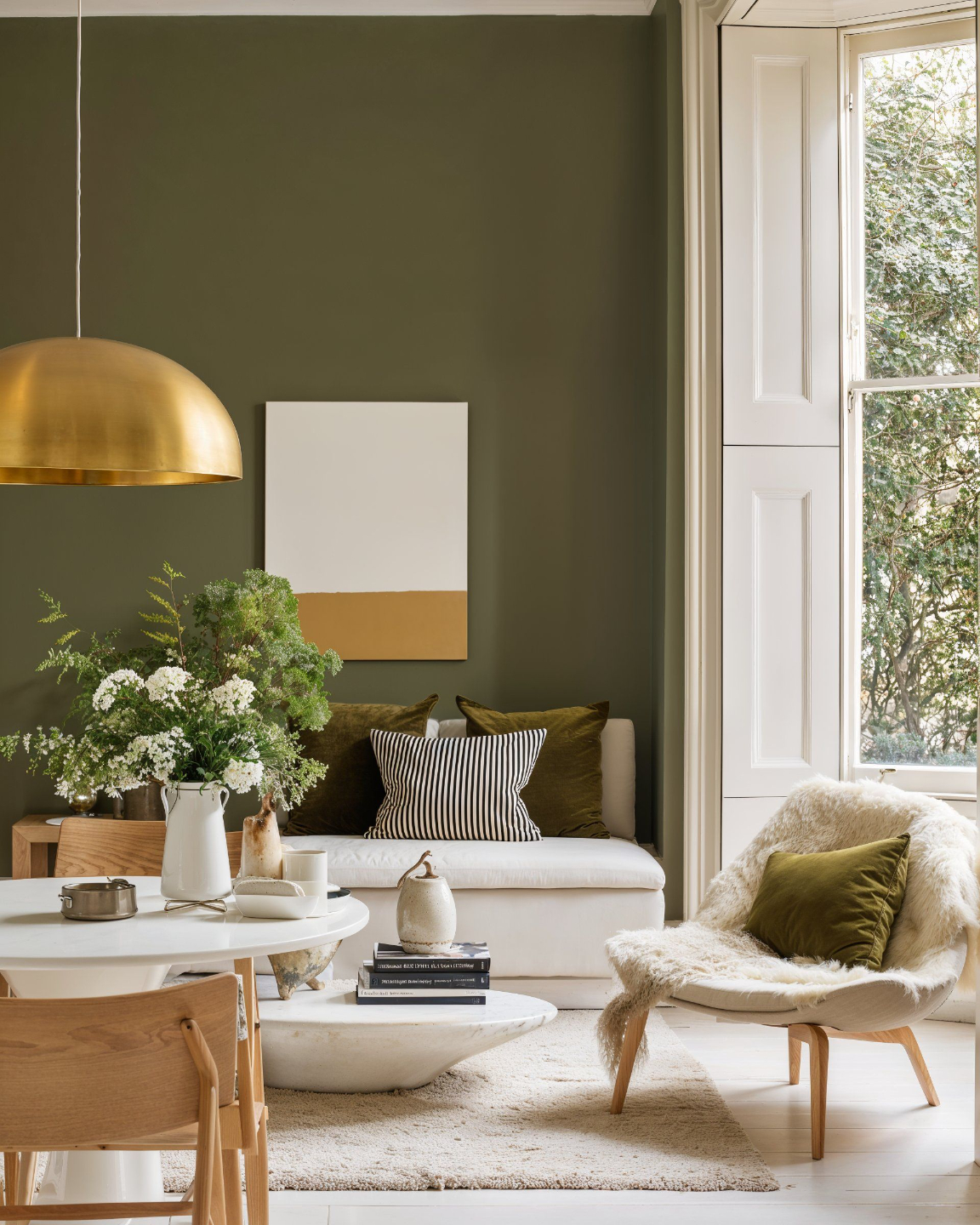
Lock in any style you want
Modern, rustic, vintage, haussmanian, Mediterranean etc.
Swap the reference and Midjourney renders any type of interior you want.
Here are a few examples.




Frequently Asked Questions
I want clients, not just followers, will it work for me?
I’m not techy, will I be able to follow the course?
Won’t AI make my work look fake?
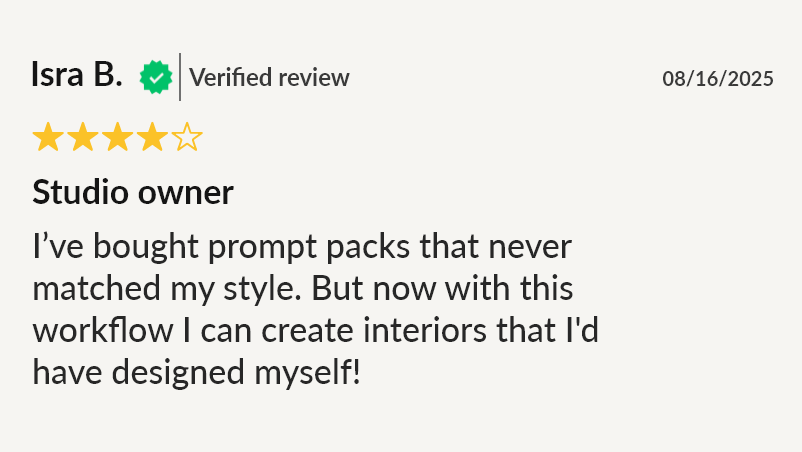
I’ve tried prompt packs. They didn’t fit my style.
No time—how long until I see results?
What about hidden tool costs?
Why not YouTube?

Results you can expect
Speed: iterate on renders, moodboards, and client revisions in minutes instead of hours. Spend more time designing and less time waiting.
Quality: produce photorealistic visuals that hold up next to professional photography. Outputs that clients trust and influencers reshare.
Consistency: lock your signature style across every image. Build a portfolio and presence that looks unmistakably like your work.
Confidence: present multiple options, respond to revision requests quickly, and walk into client meetings with visuals that close projects.
Risk-Free: 14-Day “Try Two Modules” Guarantee
Go through the first 2 modules. If you don’t feel clearer, faster, and more confident about your AI-to-content workflow, email us within 14 days for a full refund (no questions asked) and keep the Prompt Starter Kit for your time.
AI for INTERIOR DESIGNERS
Design faster. Iterate in minutes. Present with confidence.
A complete AI workflow for interior designers — from concept to client presentation.
Enroll Now