
A Masterclass for Interior Designers
Create better visuals.
Get more time to design.
Learn to turn your 3D work into photorealistic renders, speed up everyday studio tasks, and build an AI assistant that understands your projects.
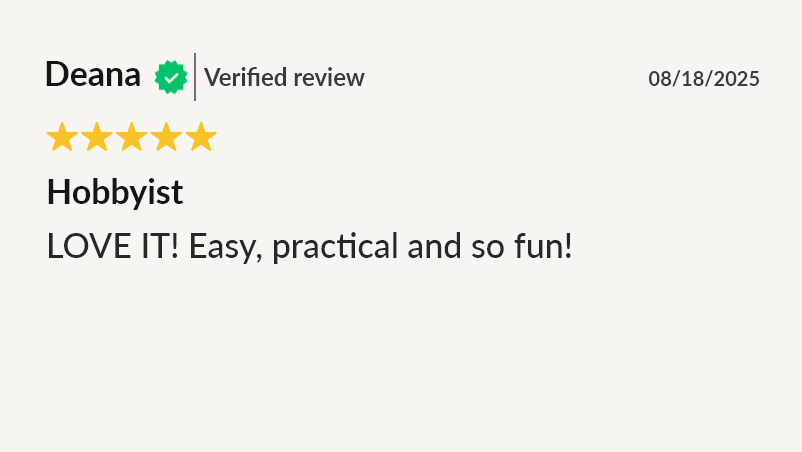
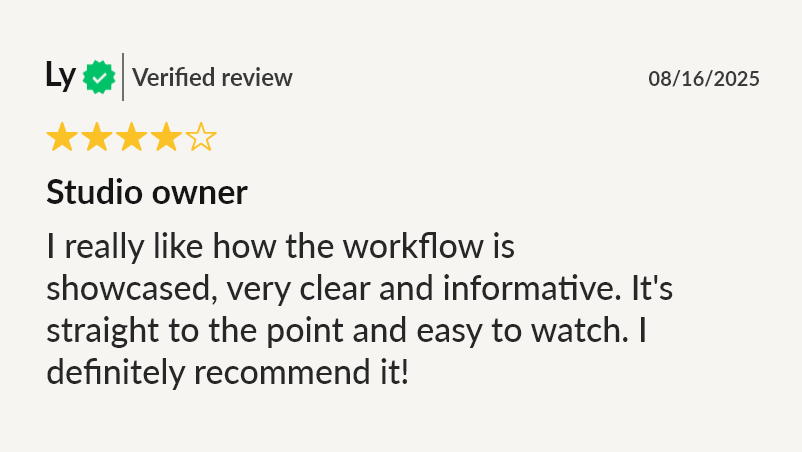
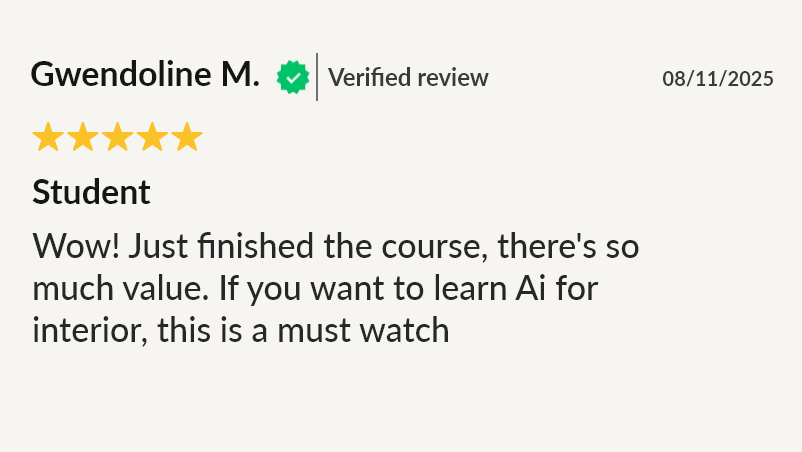
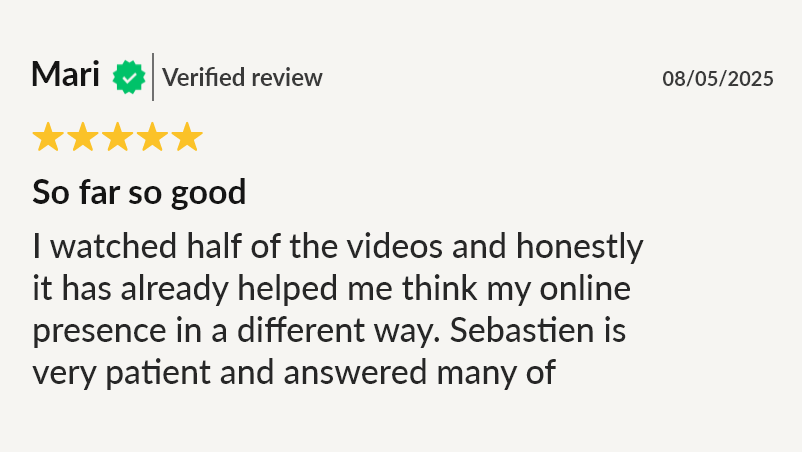
⭐⭐⭐⭐⭐ 4.7/5 from 300+ reviews · 1,300+ designers enrolled
Learn at your own pace · Lifetime course access and updates · 14-day money-back guarantee
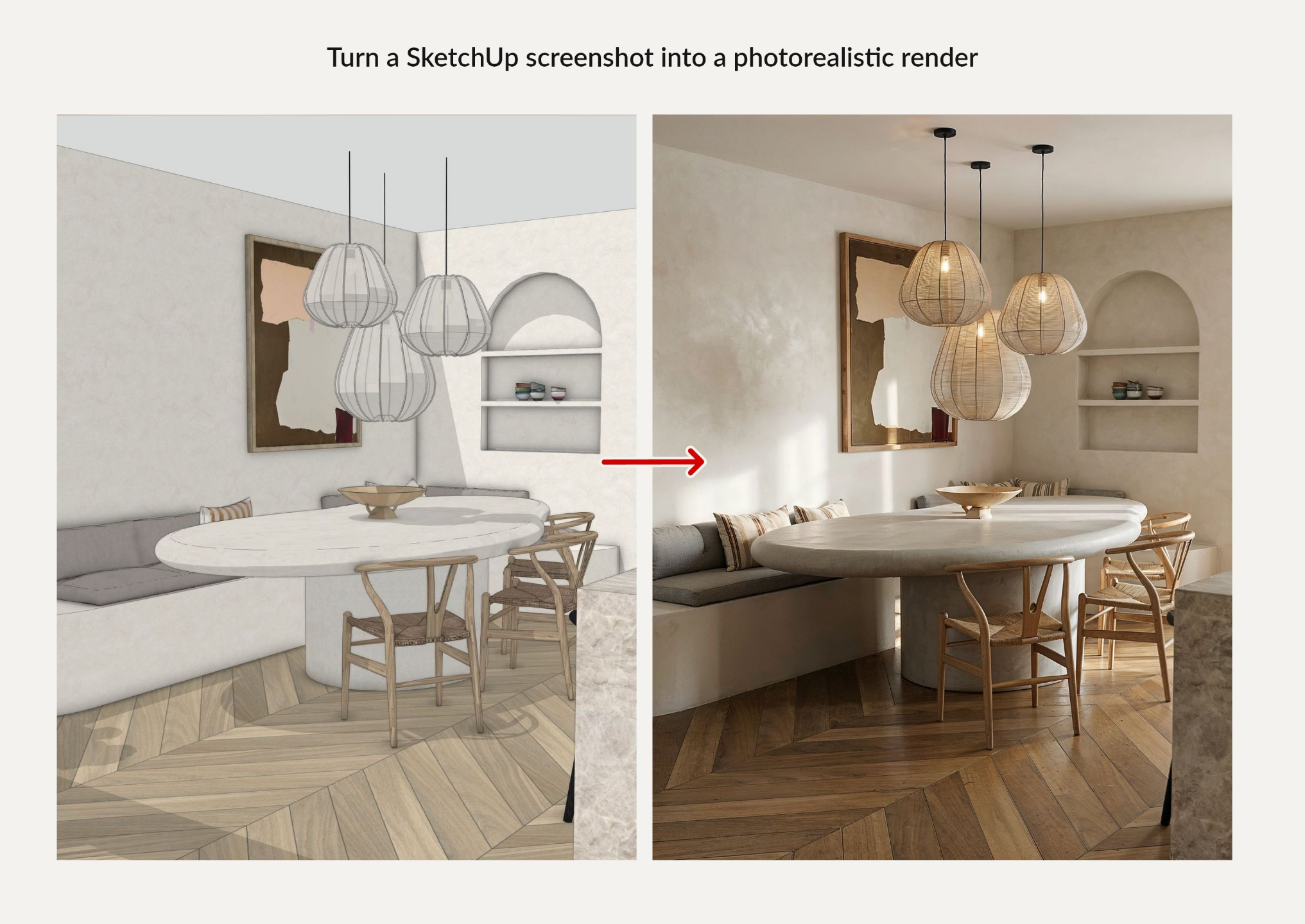
Turn your 3D screenshots into photorealistic renders.
Start with a screenshot from SketchUp, 3ds Max, or the 3D software you already use.
Explore materials, lighting, and atmosphere with AI as you develop your design. Give clients a clearer picture of the direction you have in mind.
Design visuals shared by leading interior design accounts.
My AI-generated interiors have been shared by design accounts with audiences of over one million. Inside the masterclass, I show you the workflows behind my visuals.






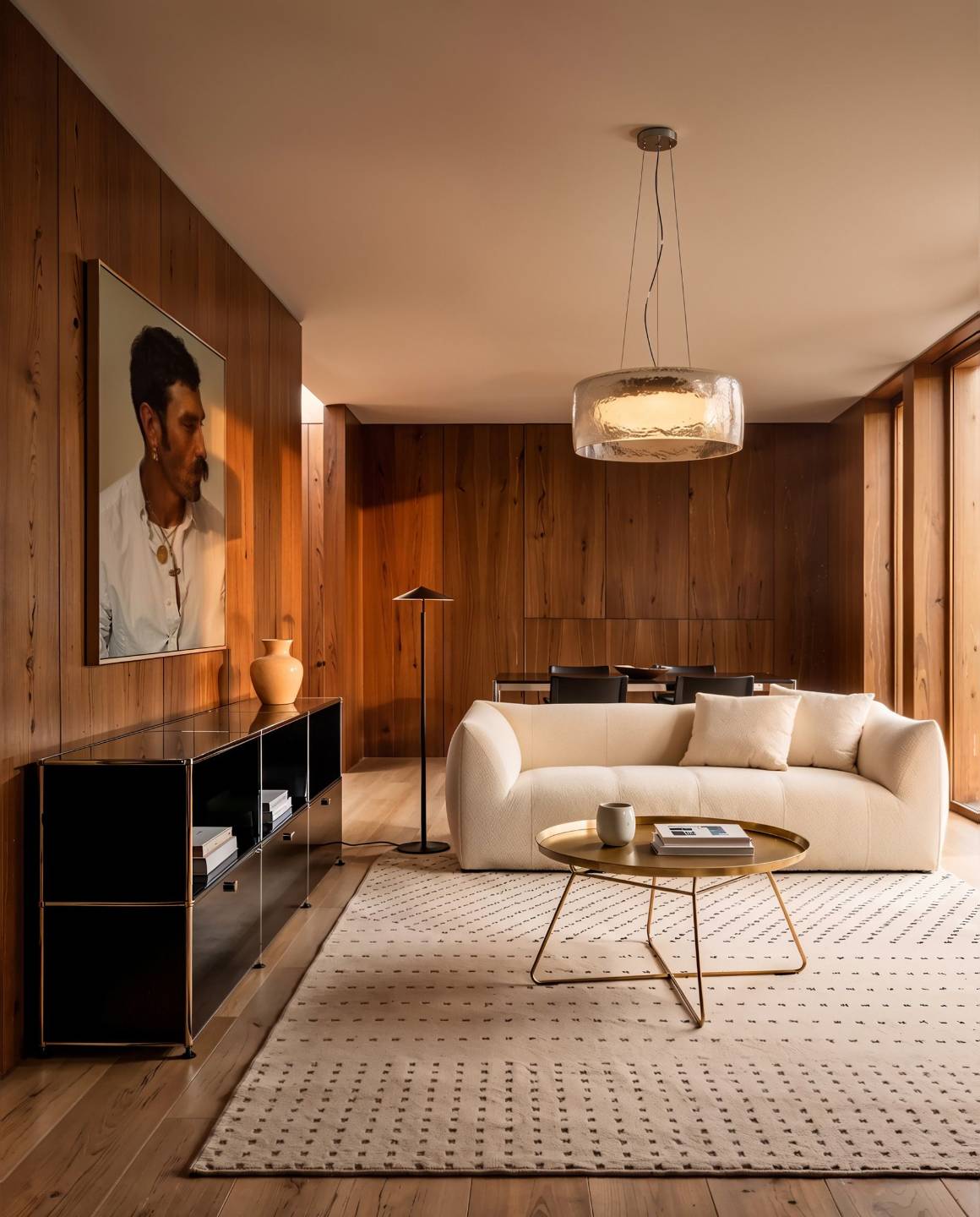
Spend less time on admin. Make more time for design.
There’s a render to prepare. A client document to finish. A follow-up to send.
Each task takes time away from designing.
This masterclass shows you how to use AI for the time-consuming parts of your workflow while you stay fully in control of the design.
You’ll also see exactly how I use AI to create polished client presentations and essential project documents, including FF&E schedules.
Learn the AI workflows I use in my own design practice.
I’m Sébastien, the designer behind AI for Designers.
Over the past 10 years, I’ve worked in interior design and 3D visualization, including projects for LVMH and Richemont. Today, I combine design work with helping leading design brands integrate AI into their workflows.
This masterclass brings my approach together in three practical parts:
- Create visuals that communicate your ideas.
- Get AI help with everyday studio work.
- Give your AI assistant reusable knowledge about your projects.

Explore your ideas. Present your vision. Share your work.

Turn early ideas into visuals clients can react to.
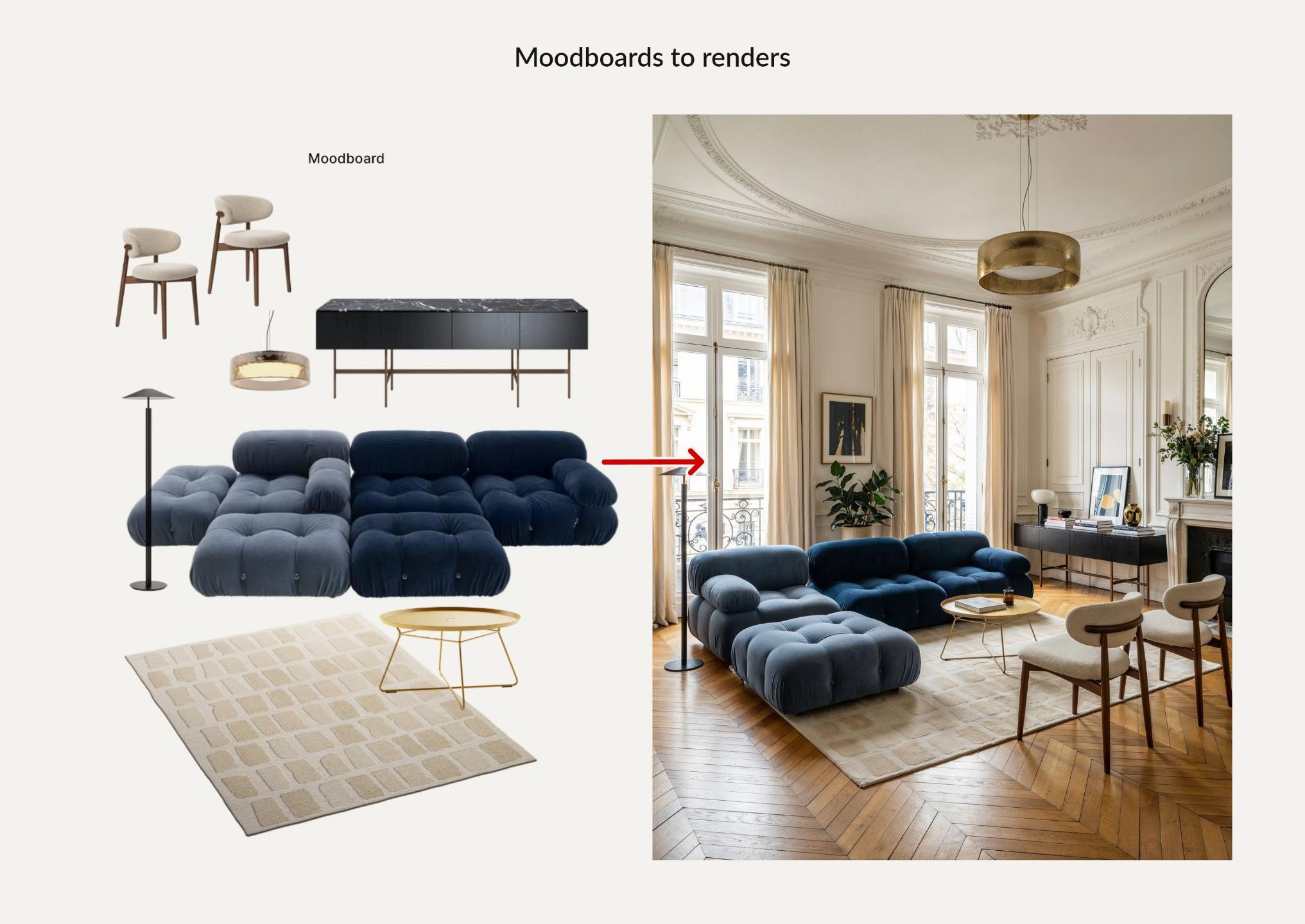
Create moodboards and photorealistic renders guided by your references and design direction.

Compare design options before you commit.
Explore finishes, furniture, and lighting to give clients clearer choices.

Turn your design work into content that reflects your style.
Use the Instagram and LinkedIn bonus lessons to build a repeatable publishing routine.
Put AI to work on the tasks that fill your day.
Give Claude your briefs, files, and project context. Learn to use them to draft presentations, summarize meetings, prepare follow-ups, and create documents in your studio’s style.
Inside the lessons, you’ll learn to:
- Reuse client context instead of rewriting the same background.
- Prepare first drafts of FF&E schedules and presentations.
- Connect your tools and research design trends.
Make AI part of your daily workflow, with you reviewing the work and making the decisions.
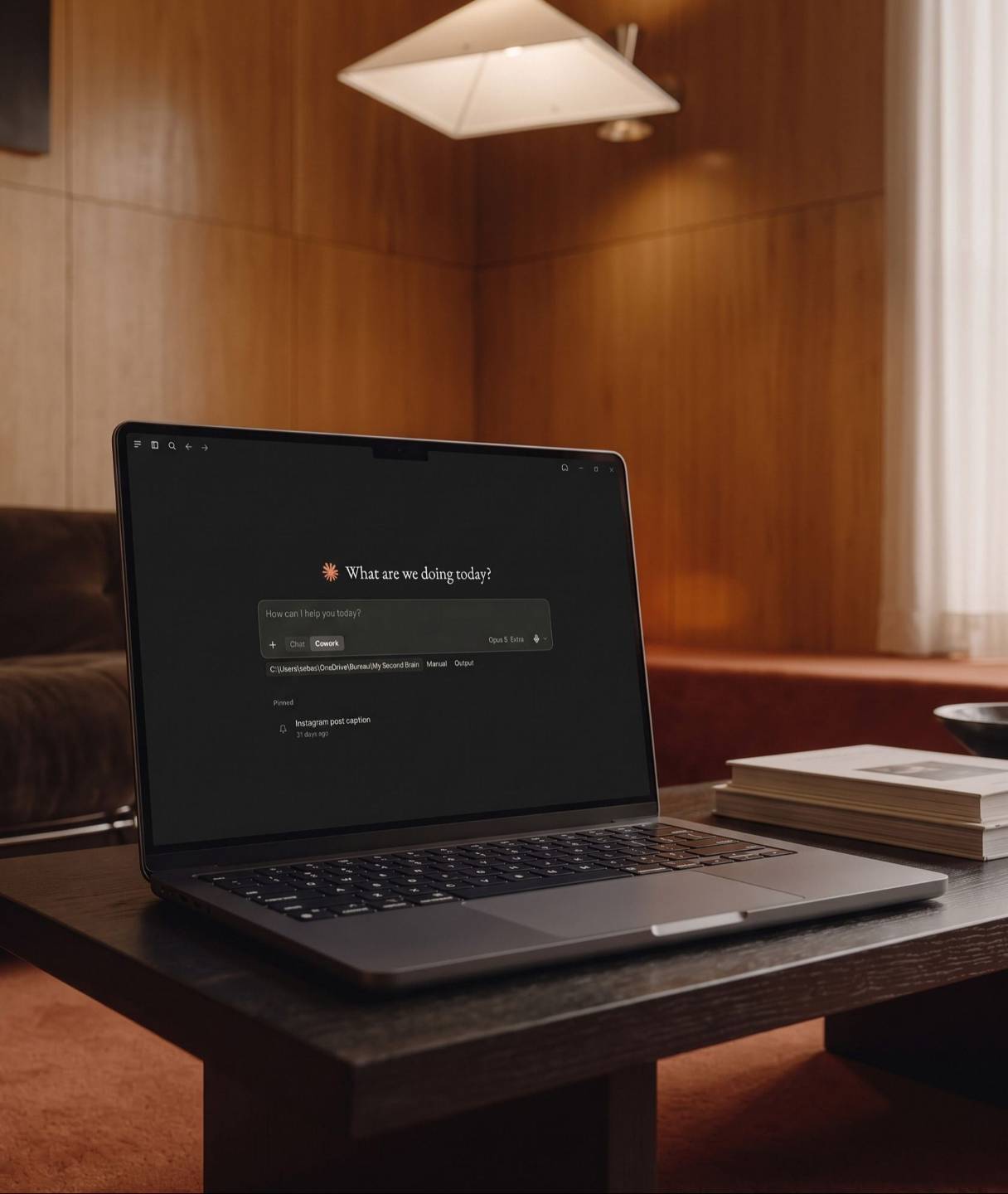
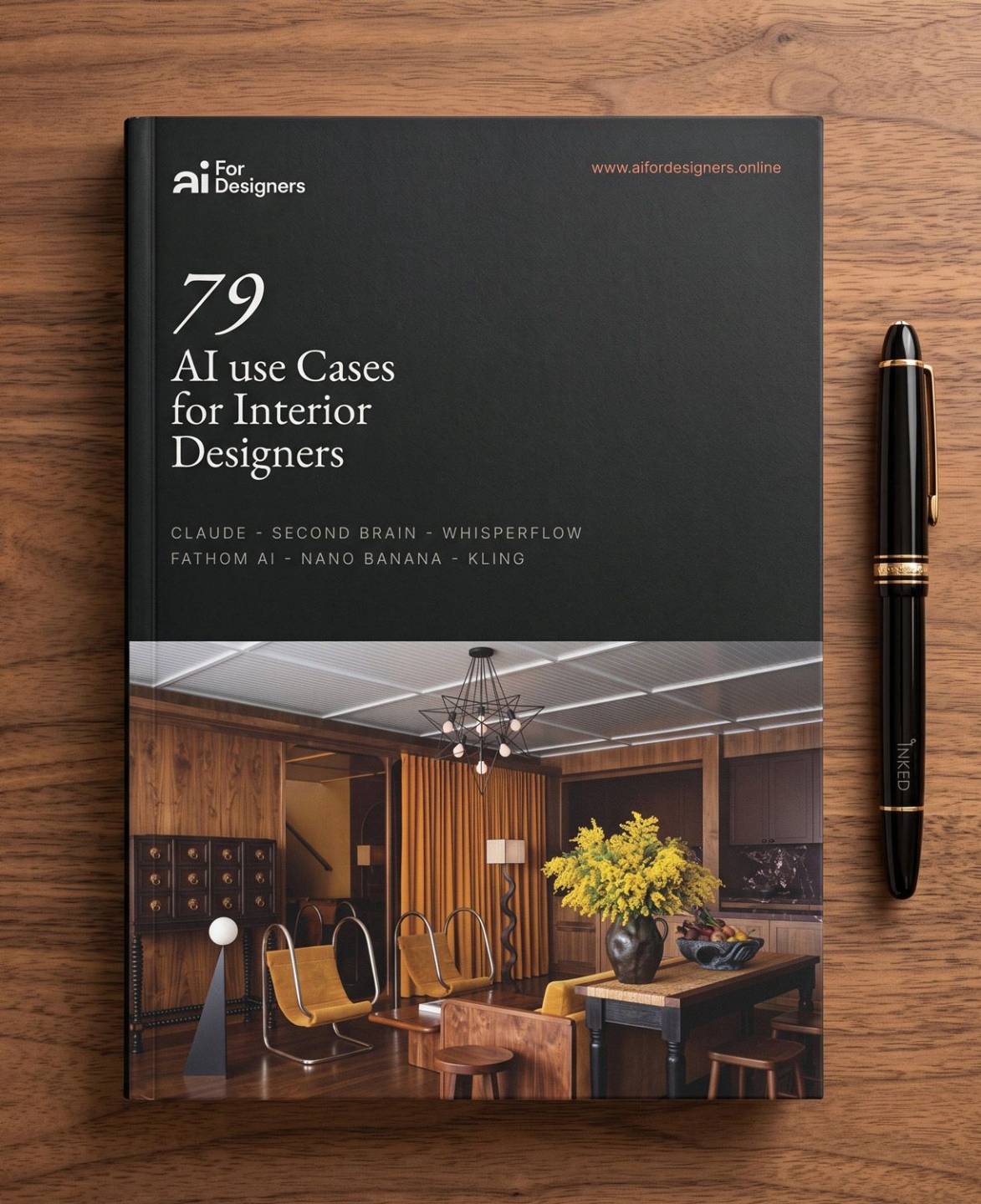
BONUS · worth $47 alone
Find 79 ways to put AI to work on your next project.
The 79 AI Use Cases for Interior Designers guide shows you where Claude or ChatGPT can help—from client briefs and FF&E schedules to presentations and supplier emails.
Choose a task you already need to do, adapt the included prompt, and start there.
Get Instant AccessSee what designers say about learning the system.
⭐⭐⭐⭐⭐ 4.7/5 from 300+ reviews · 1,300+ designers enrolled
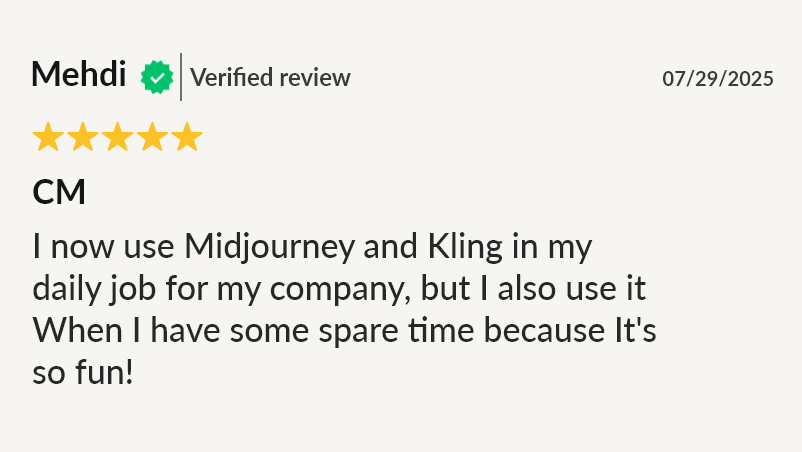
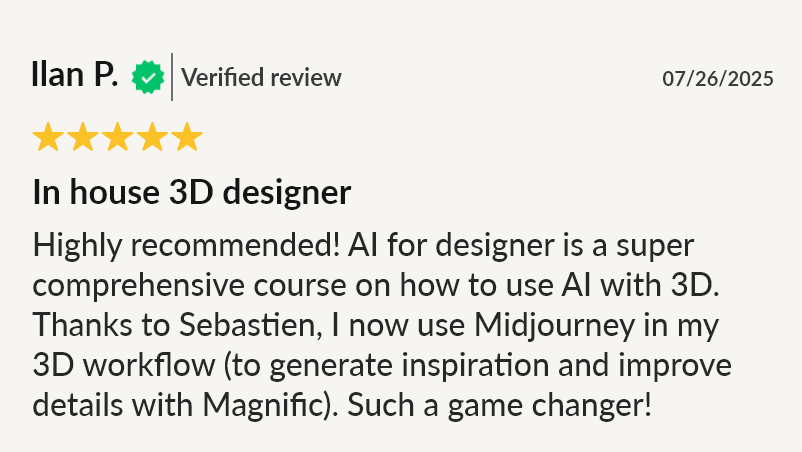
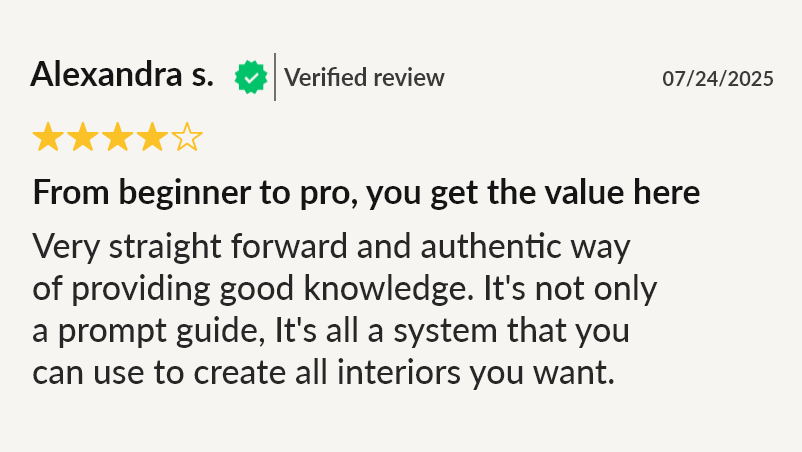
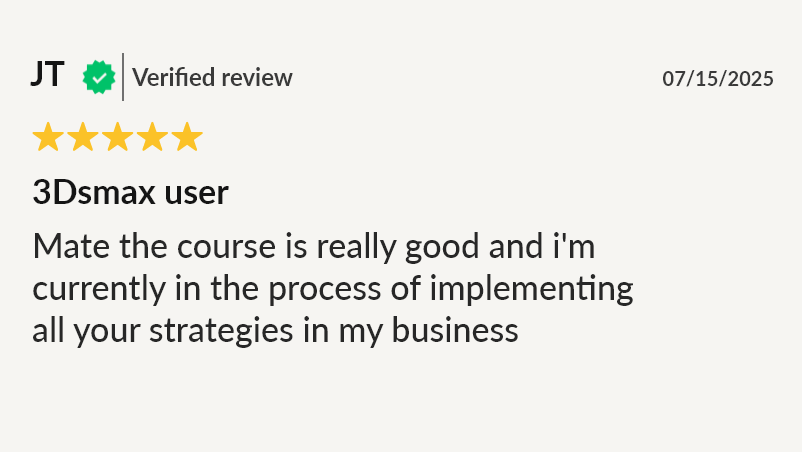
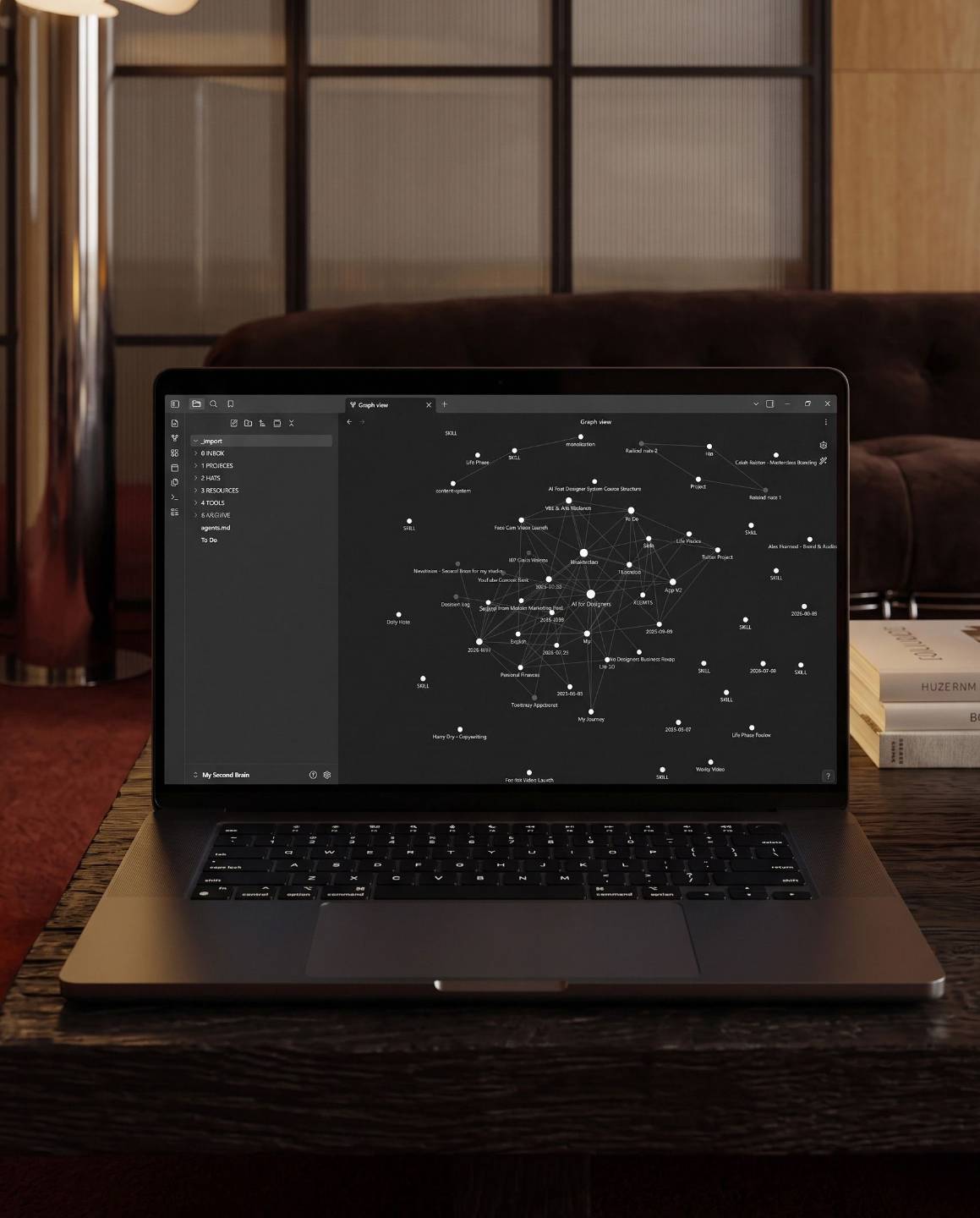
Your AI Second Brain
Stop explaining your projects to AI from scratch.
Give your AI assistant (Claude or ChatGPT) the knowledge behind all your projects, decisions, materials, suppliers and workflows—so you spend less time explaining the same things again and again.
The course includes my AI Second Brain template, so you can get the structure in place quickly and build on it as you work.
It only takes 15 minutes, no technical skill needed.
INCLUDED WITH YOUR ENROLLMENT.
Start creating with one month of AI for Designers Pro. (Worth $47 alone.)
Put the visual lessons into practice on your own projects with your included month of Pro access.
You get 200 image generations and renders powered by Nano Banana to explore the workflows as you learn.
After enrollment, check your email for instructions to activate your access.
Get Instant Access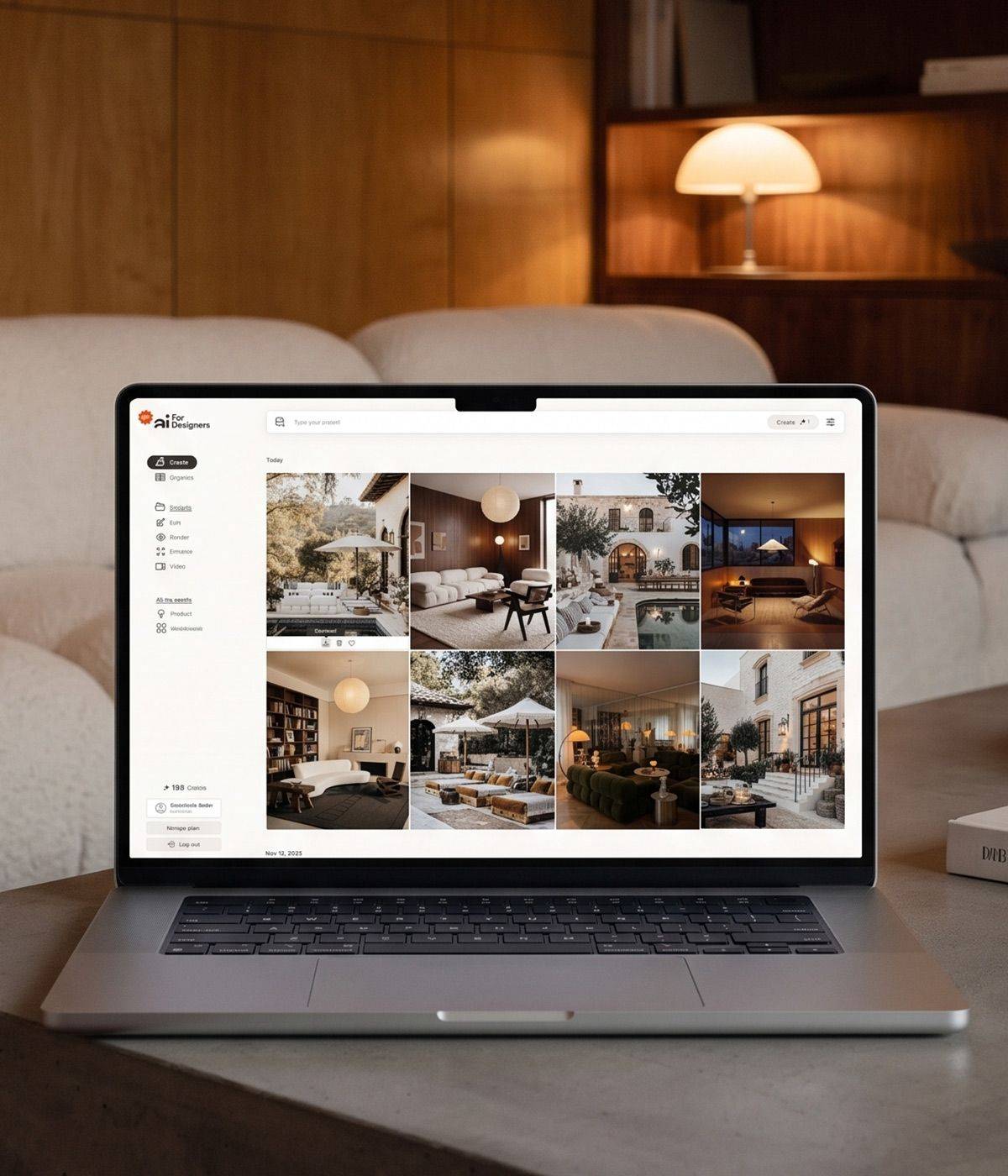
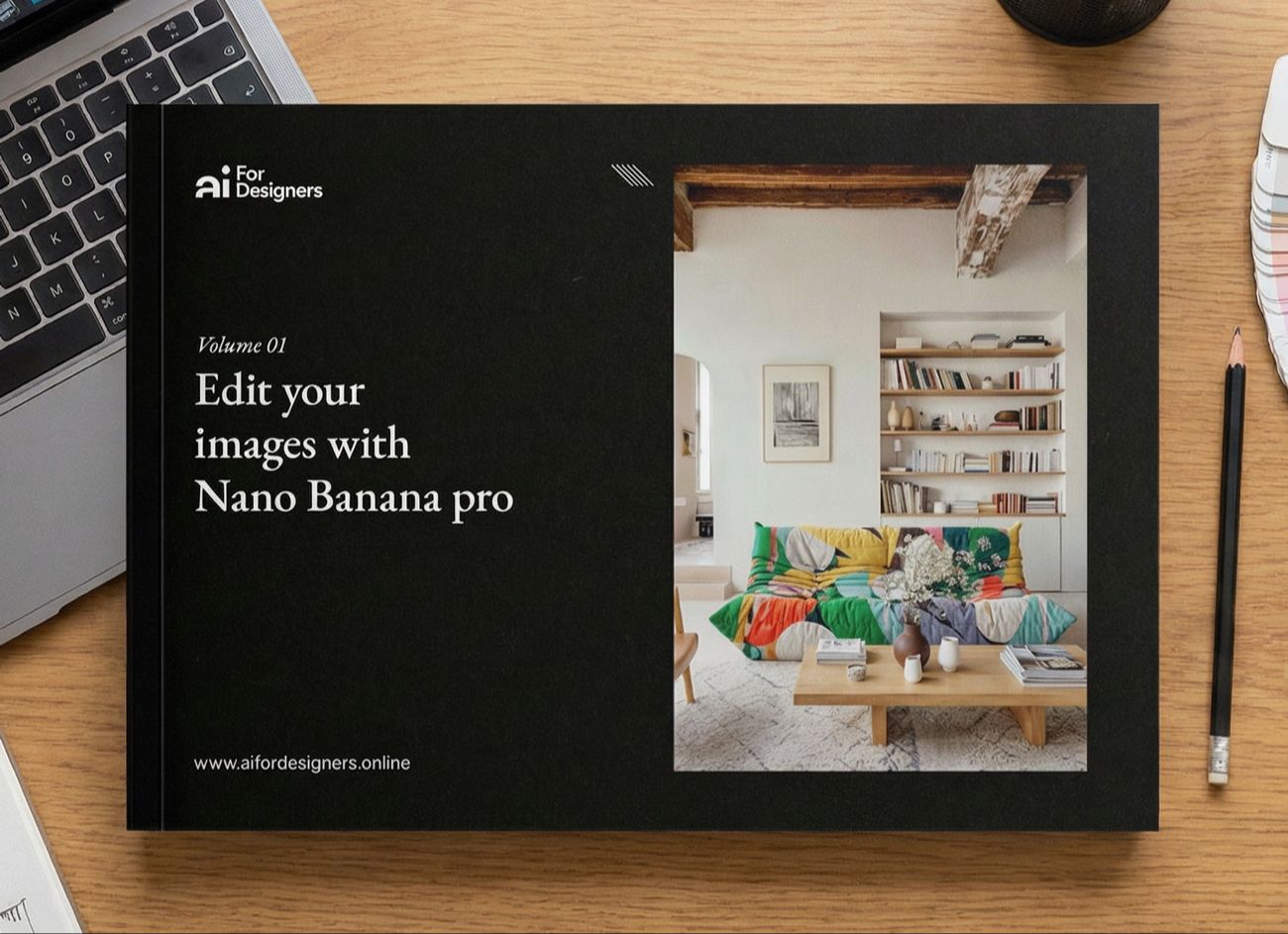
INCLUDED WITH THE MASTERCLASS
Use the prompts behind my interior visuals. (Worth $97 alone.)
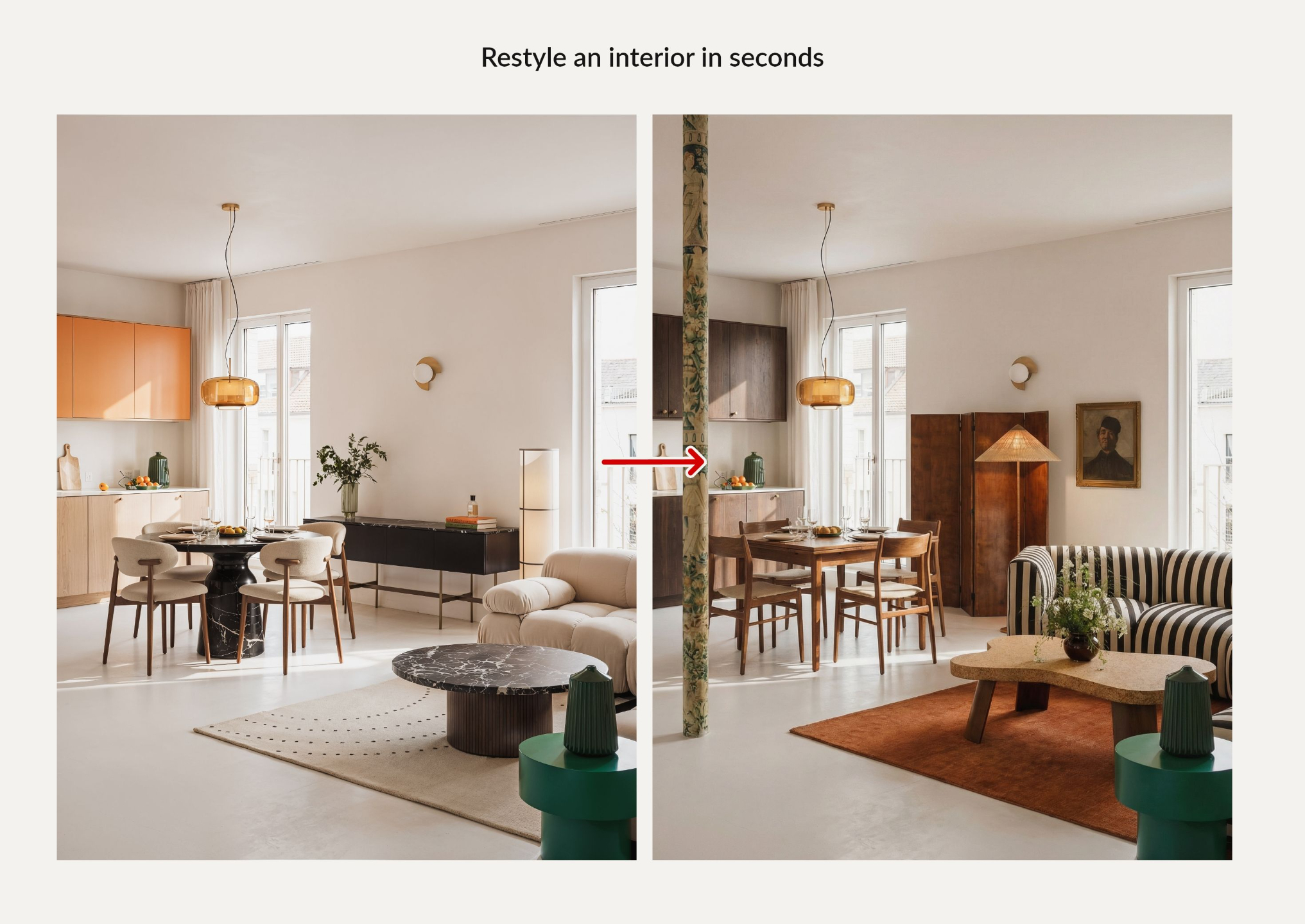
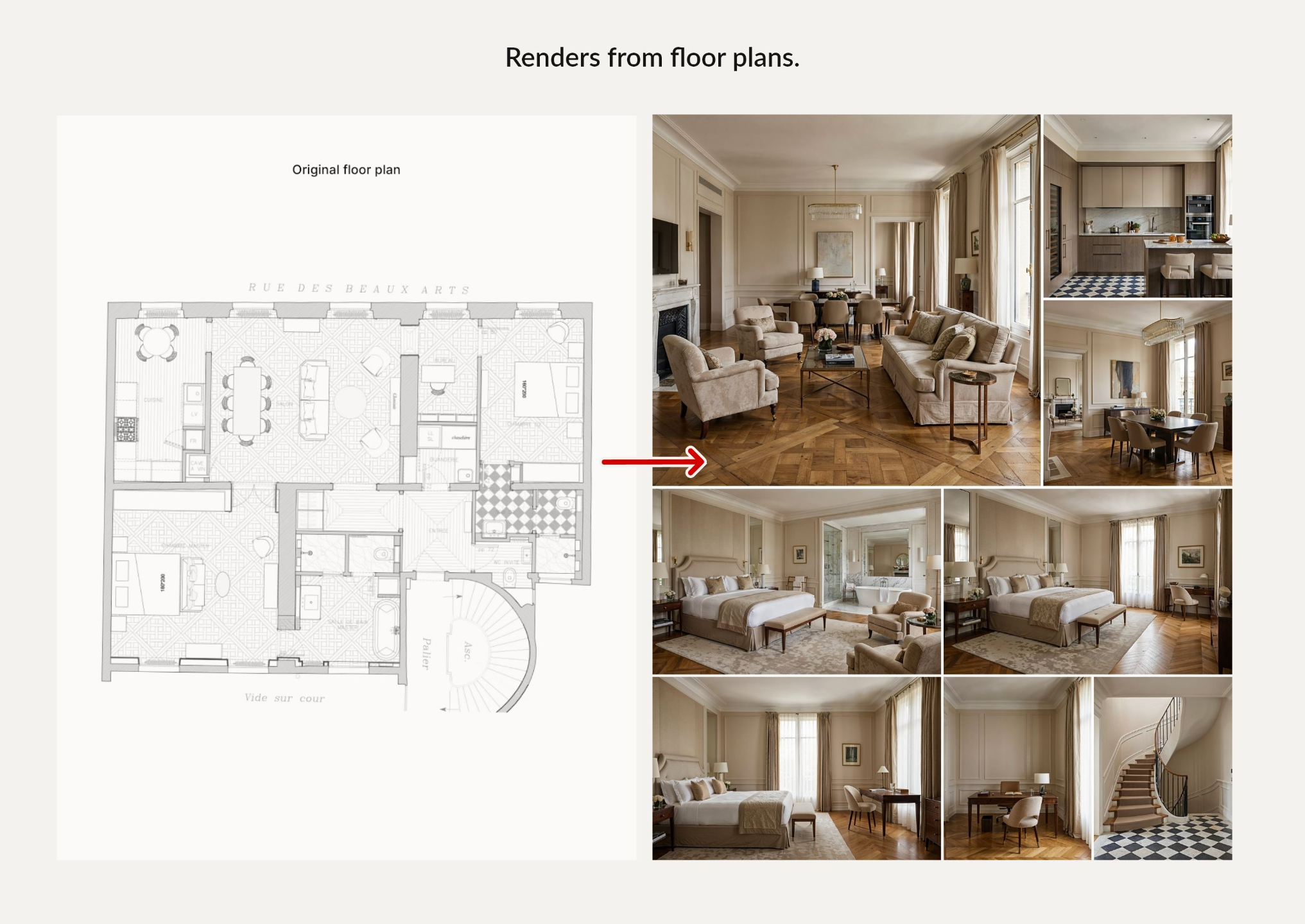
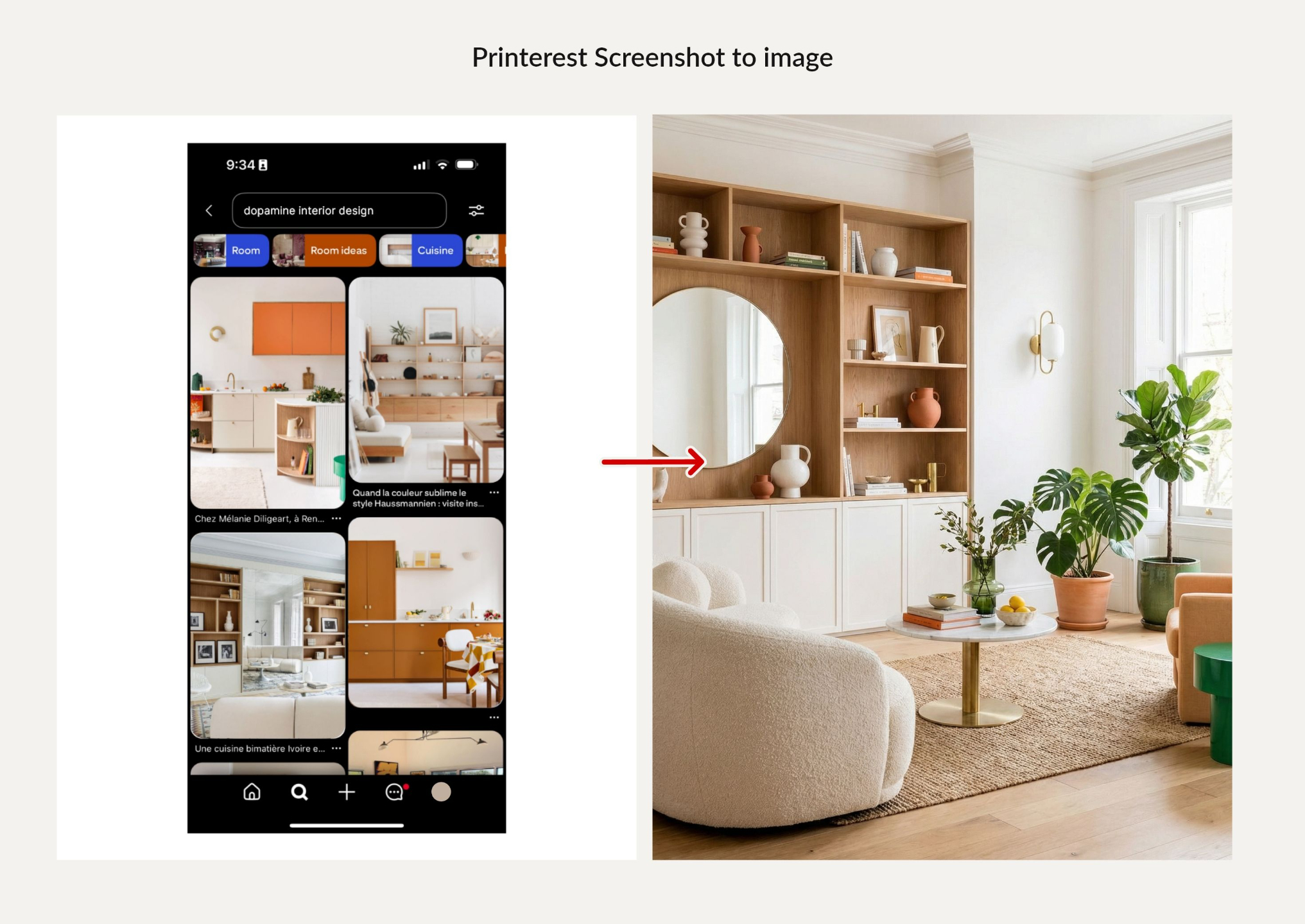
The Nano Banana Guide for Interior Design gives you practical starting points for moodboards, SketchUp renders, material changes, and image edits.
It includes the prompts I use for the images on my Instagram page, ready to adapt to your own ideas.
Explore some of the workflows covered inside.
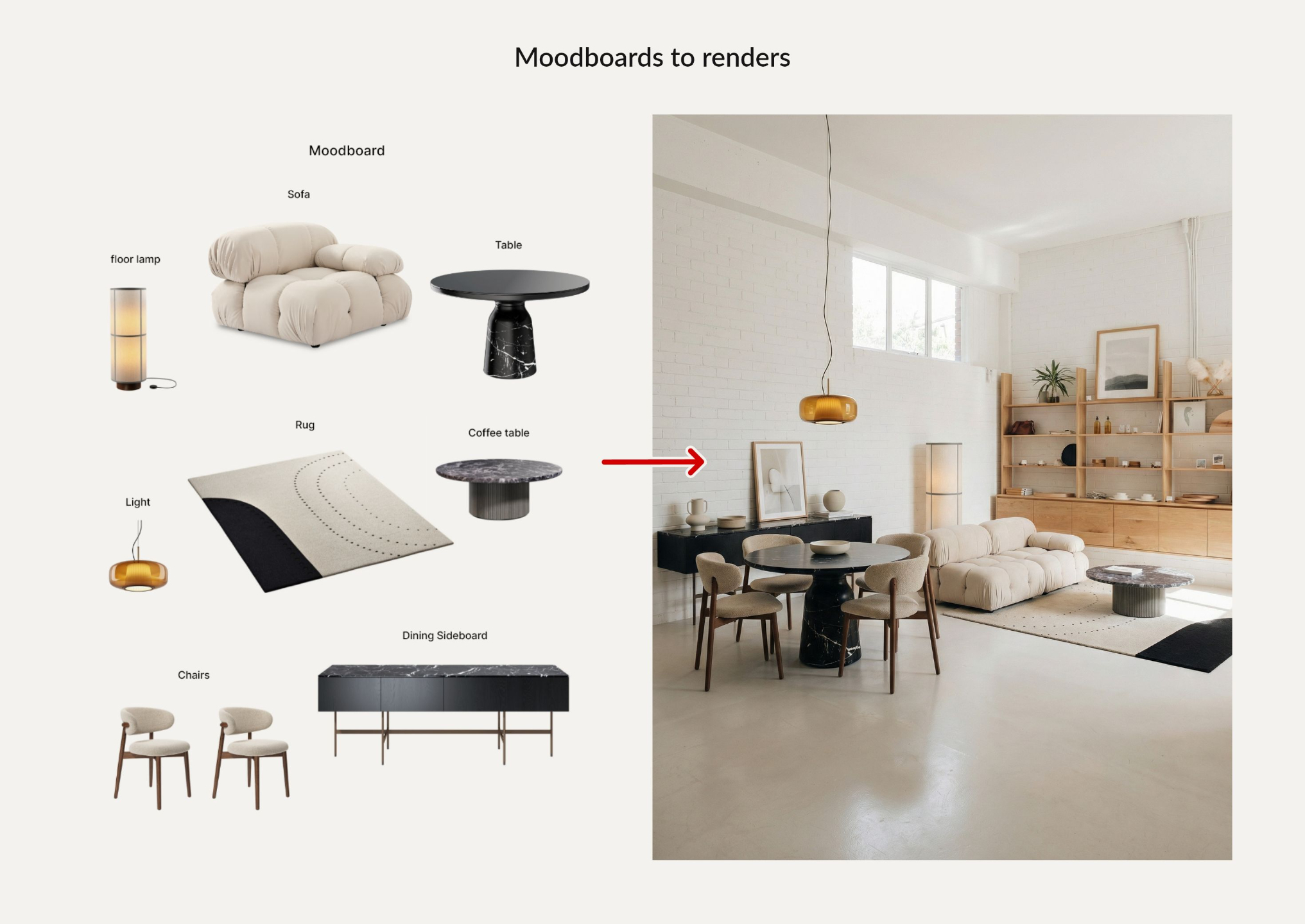
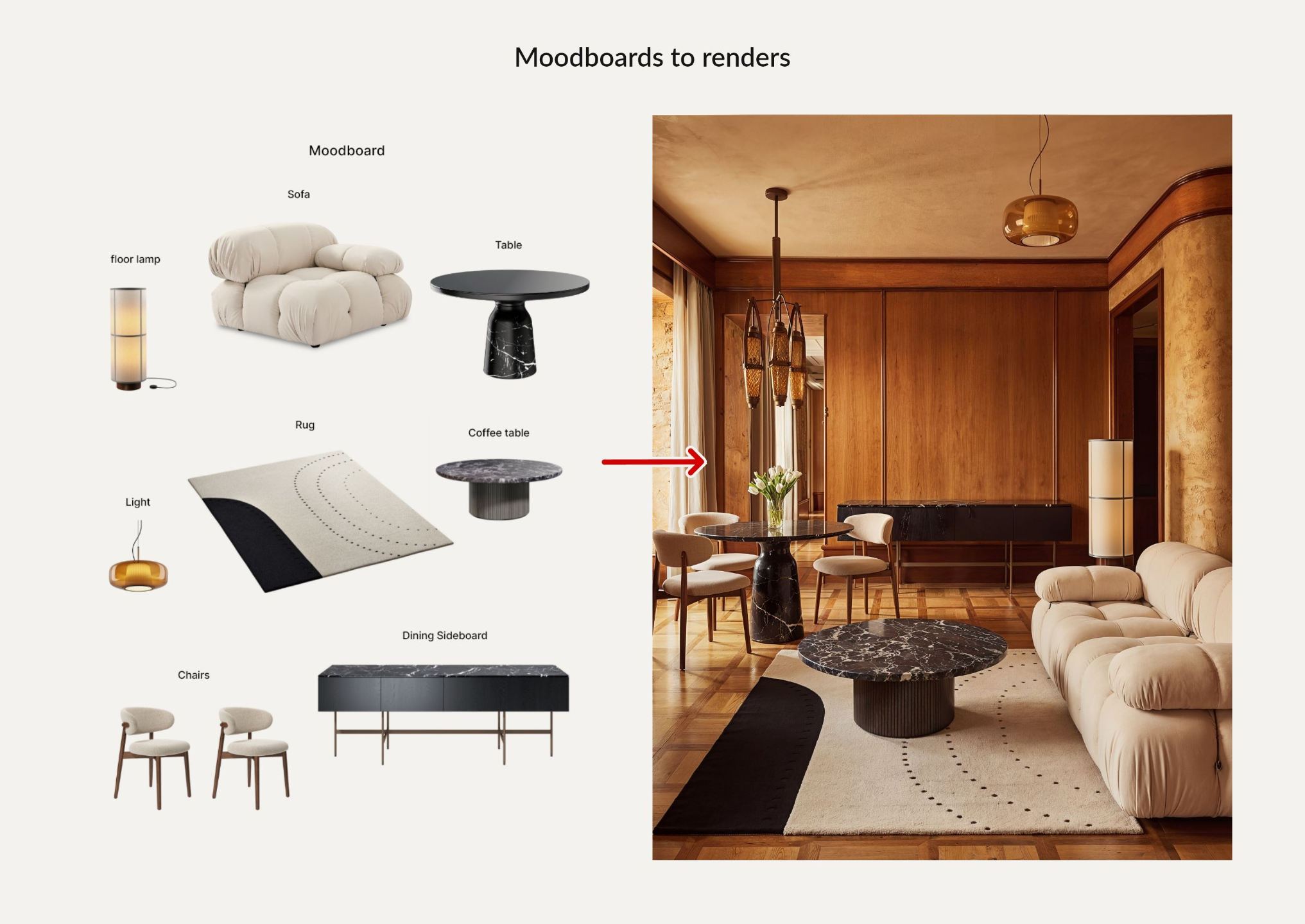
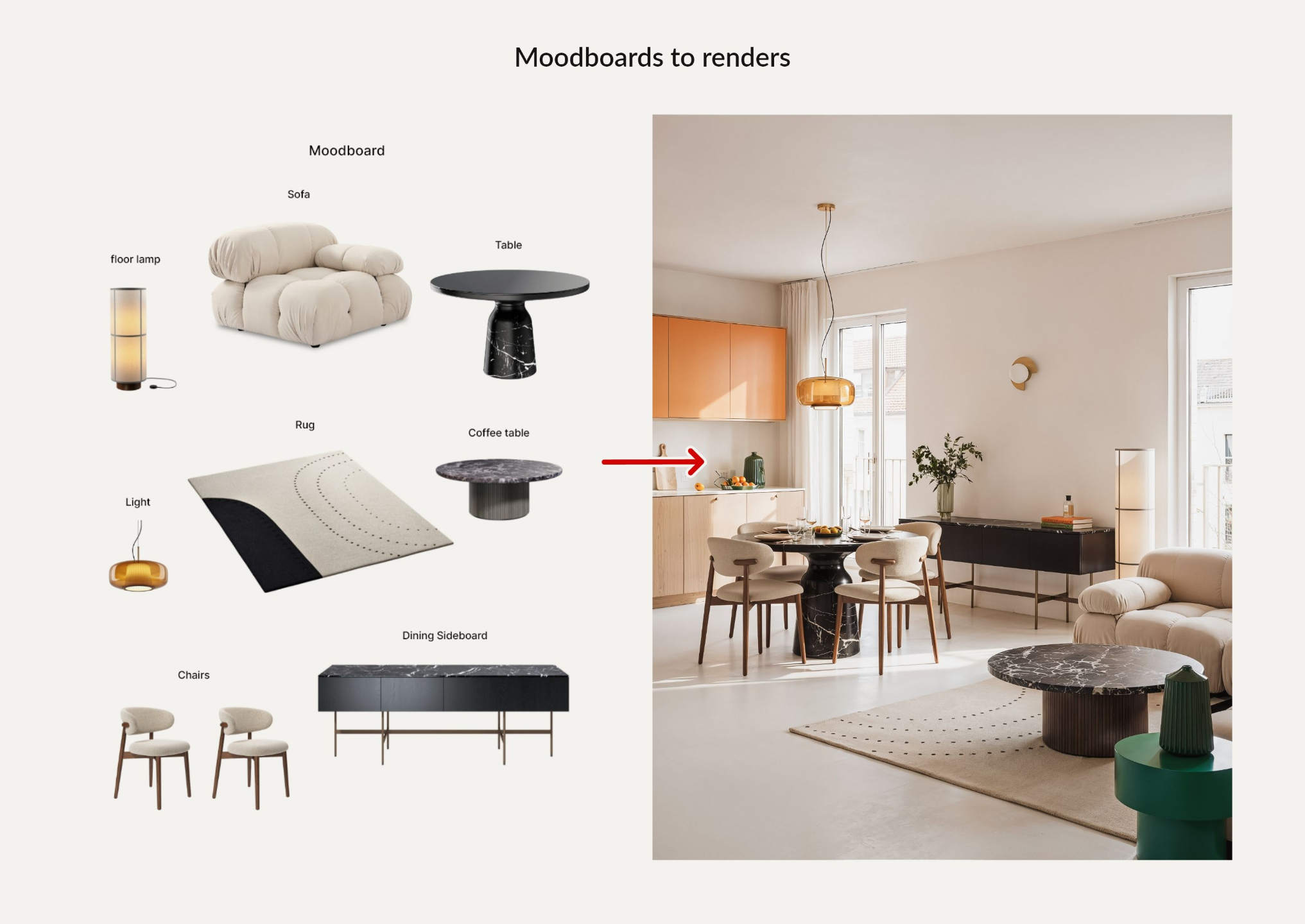
INCLUDED WITH YOUR ENROLLMENT
Explore new design directions with 300+ prompts. (Worth $97 alone.)
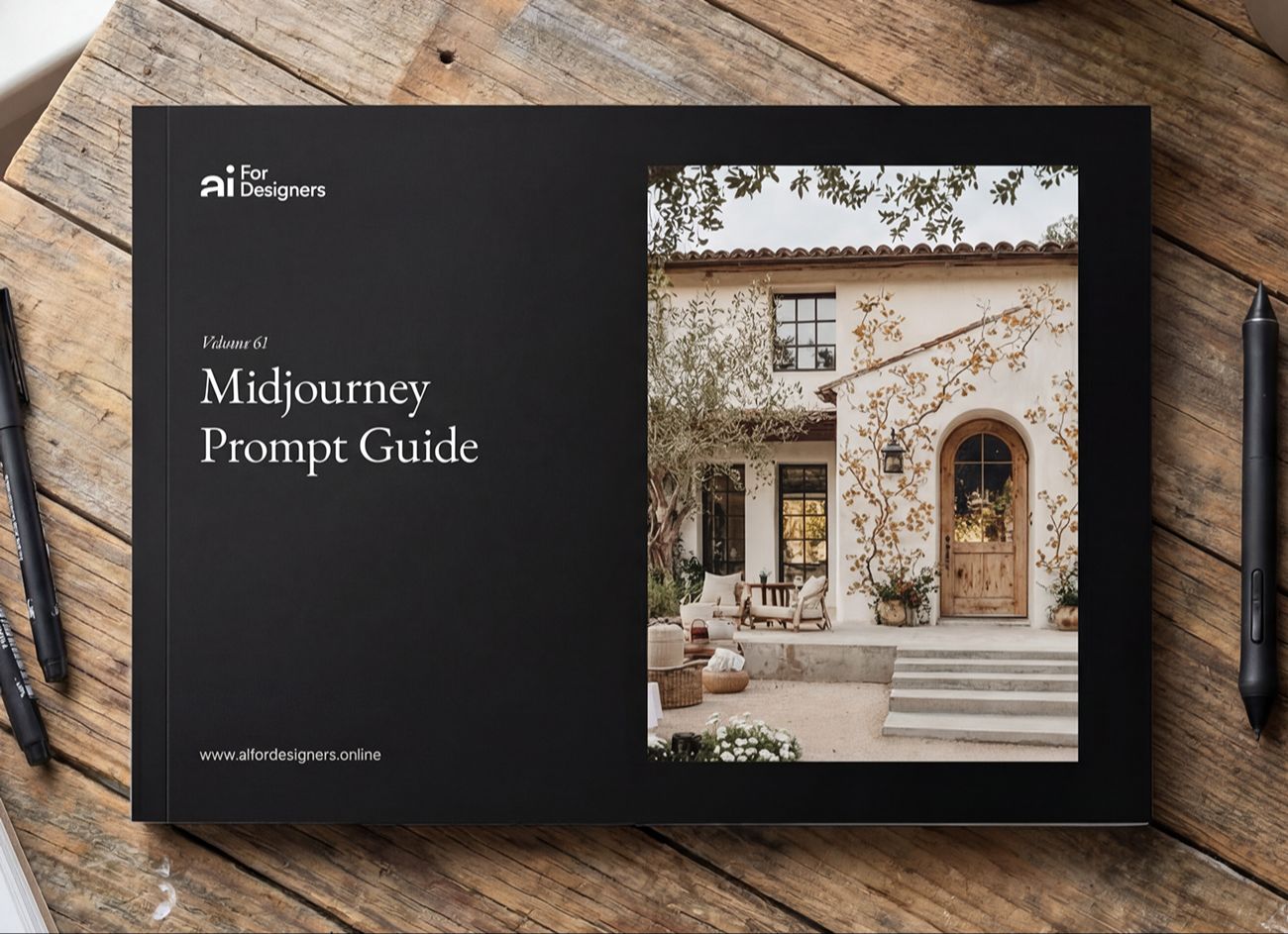
Your Midjourney Prompt Collection gives you a starting point for your next idea.
Explore interior styles and adapt the prompts to your own materials, lighting, and atmosphere.
Use the collection alongside the lessons to understand how your choices shape the image.
Get Instant AccessBuild your AI workflow, one practical lesson at a time.
51 video lessons, with guides and resources to help you apply what you learn.
Learn at your own pace, with lifetime course access and future updates included.
Start with a workflow you can use on a current project.
Module 01 — Create Moodboards and Photorealistic Renders with AI
Module 02 — Explore More Design Directions with Midjourney
Module 03 — Integrate an AI Assistant Into Your Design Workflow
Module 04 — Give Your AI Assistant the Knowledge Behind Your Projects
Bonus — Turn Your Visuals into Instagram Content
Bonus — Build Your Professional Presence on LinkedIn
Put what you learn to work with guides, prompts, and templates.
Your enrollment includes:
All 51 lessons in The AI-First Designer System.
The Nano Banana guide and Midjourney prompt resources.
79 AI Use Cases for Interior Designers.
The Second Brain Manual and template.
One month of AI for Designers Pro.
Bonus lessons on Instagram Reels and LinkedIn.
The Reels & Caption Hooks Library and LinkedIn Content Creation Matrix.
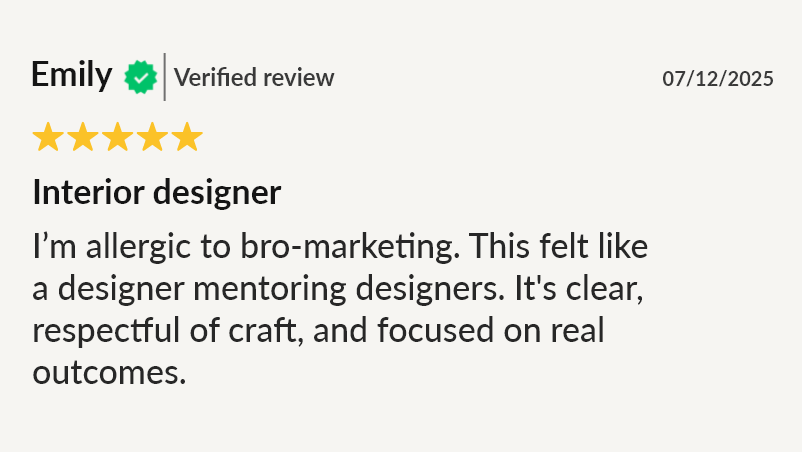
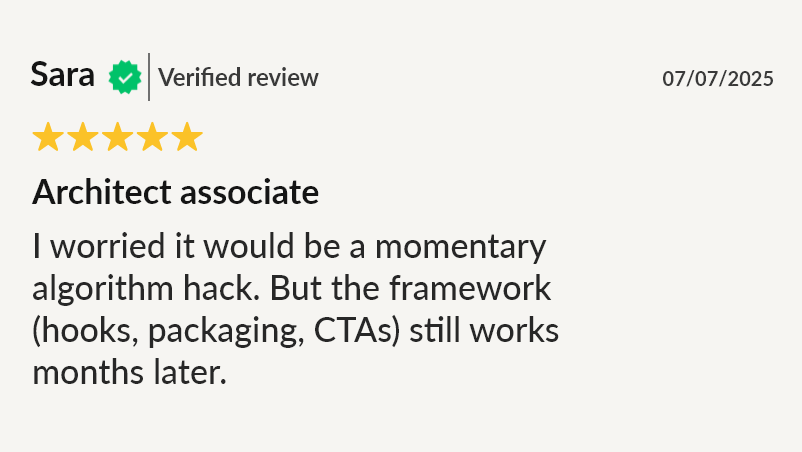
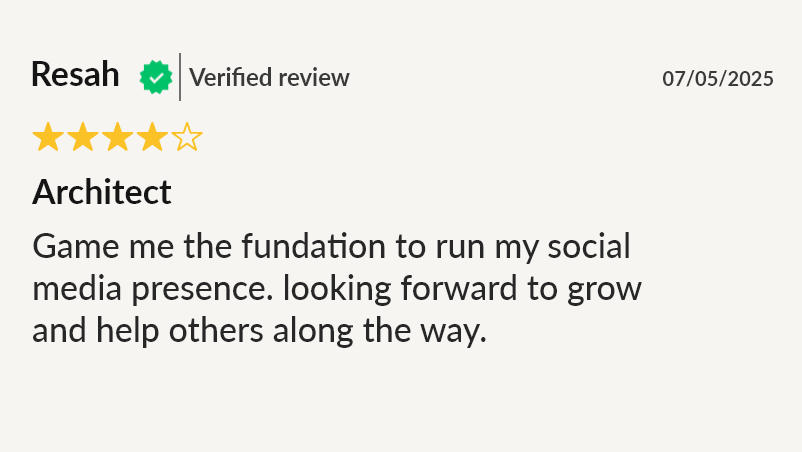
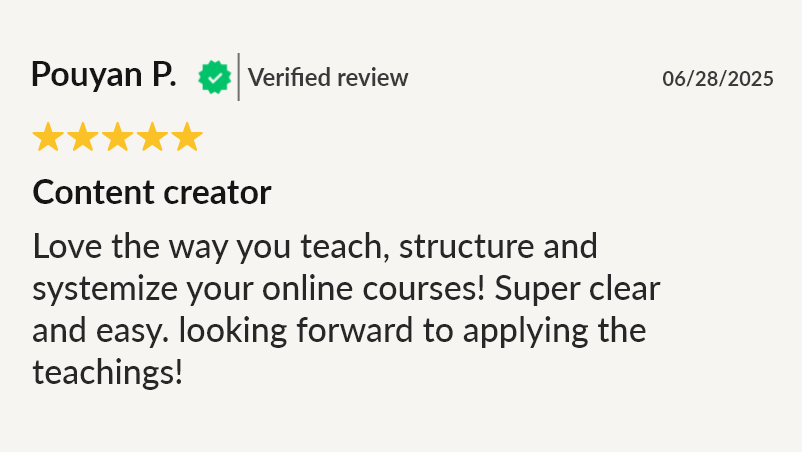
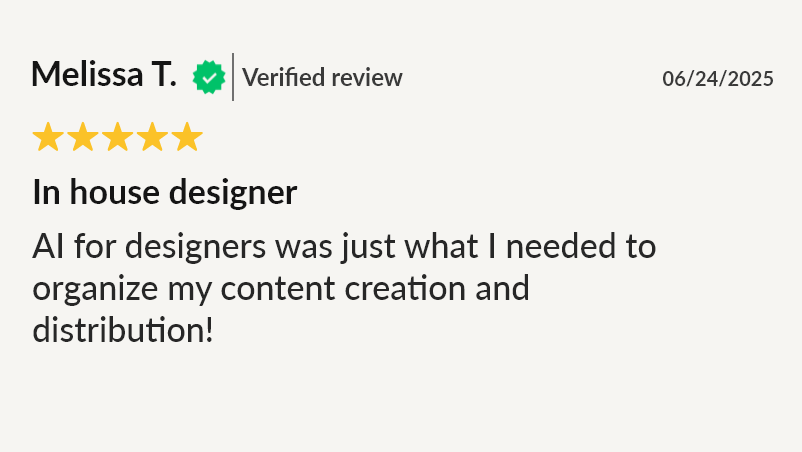
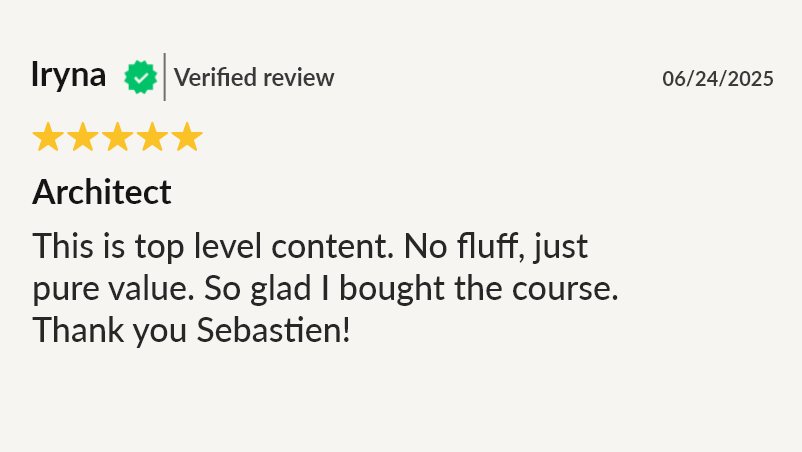
Hear from designers who have taken the masterclass.
⭐⭐⭐⭐⭐ 4.7/5 from 300+ reviews · 1,300+ designers enrolled
Case Study
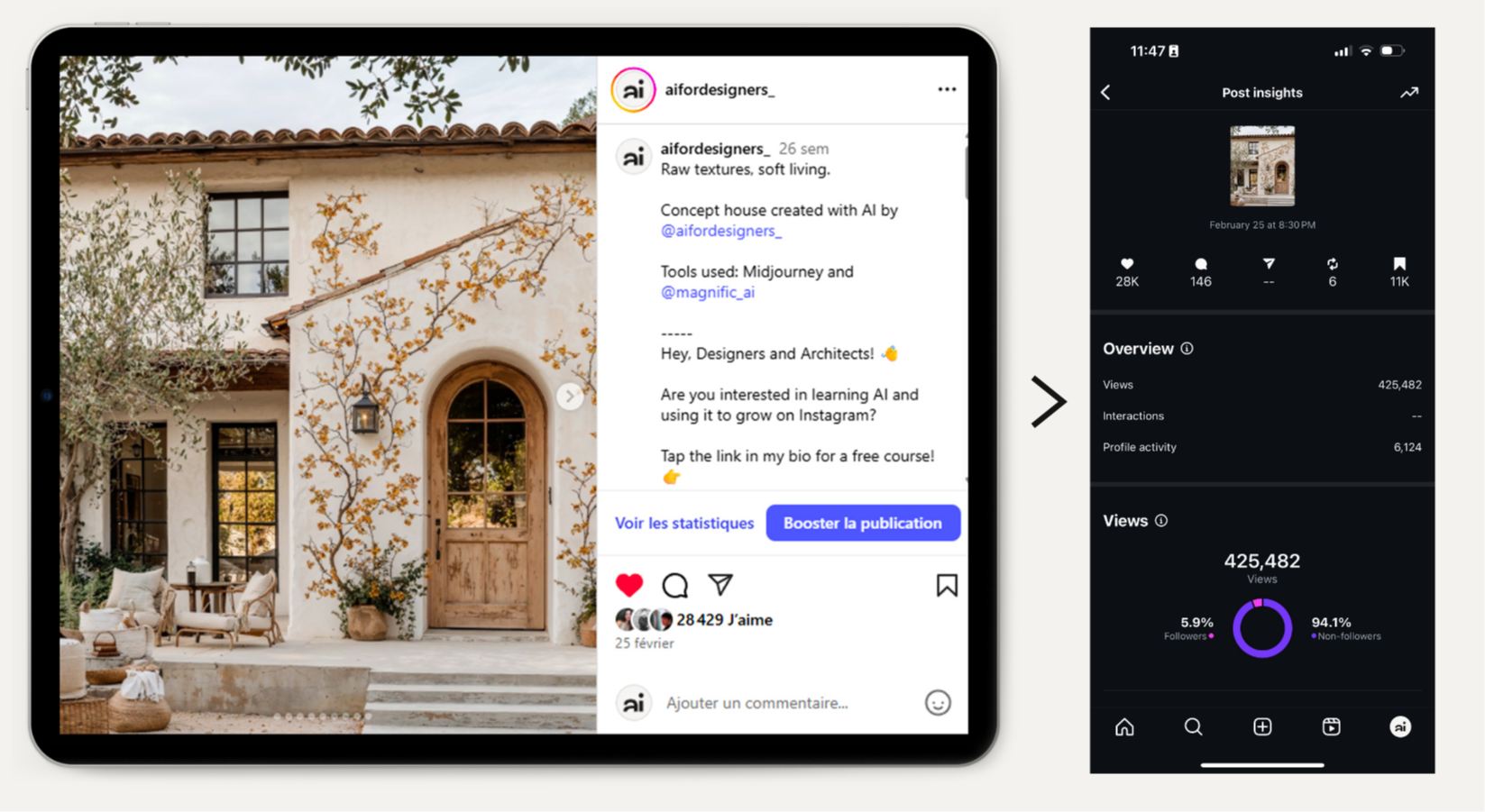
One AI-generated post. 425,000+ views. 100+ client inquiries.
This is a single post from my own Instagram page that I created entirely with the AI workflow taught in this masterclass.
Results: 425,482 views, 28,000 likes, 11,000 saves, 6,124 profile visits, 94.1% non-followers reached.
Outcome: Over 100 DM inquiries for interior design from this one post.
The design workflow creates the visuals. Consistent quality creates the opportunities.
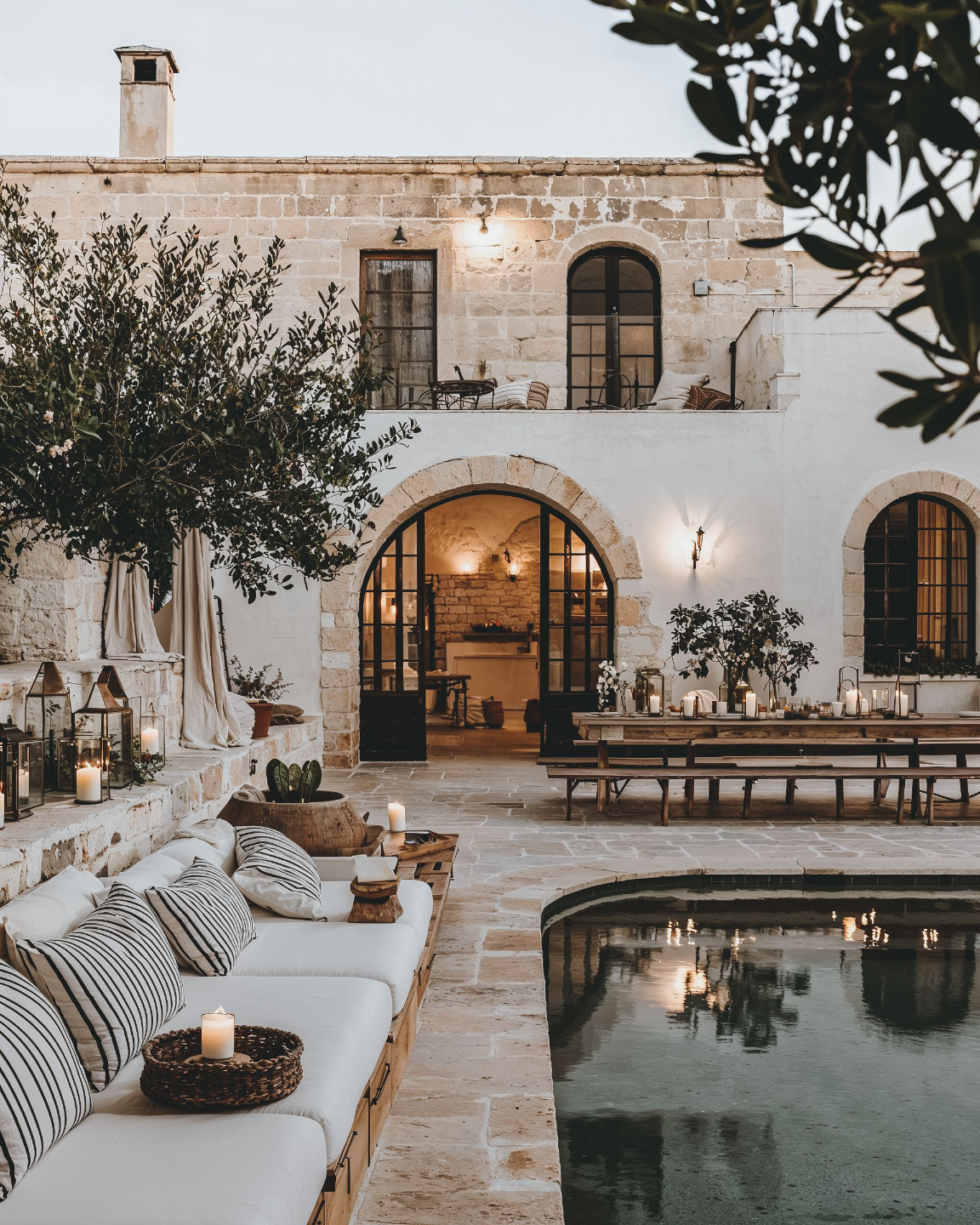
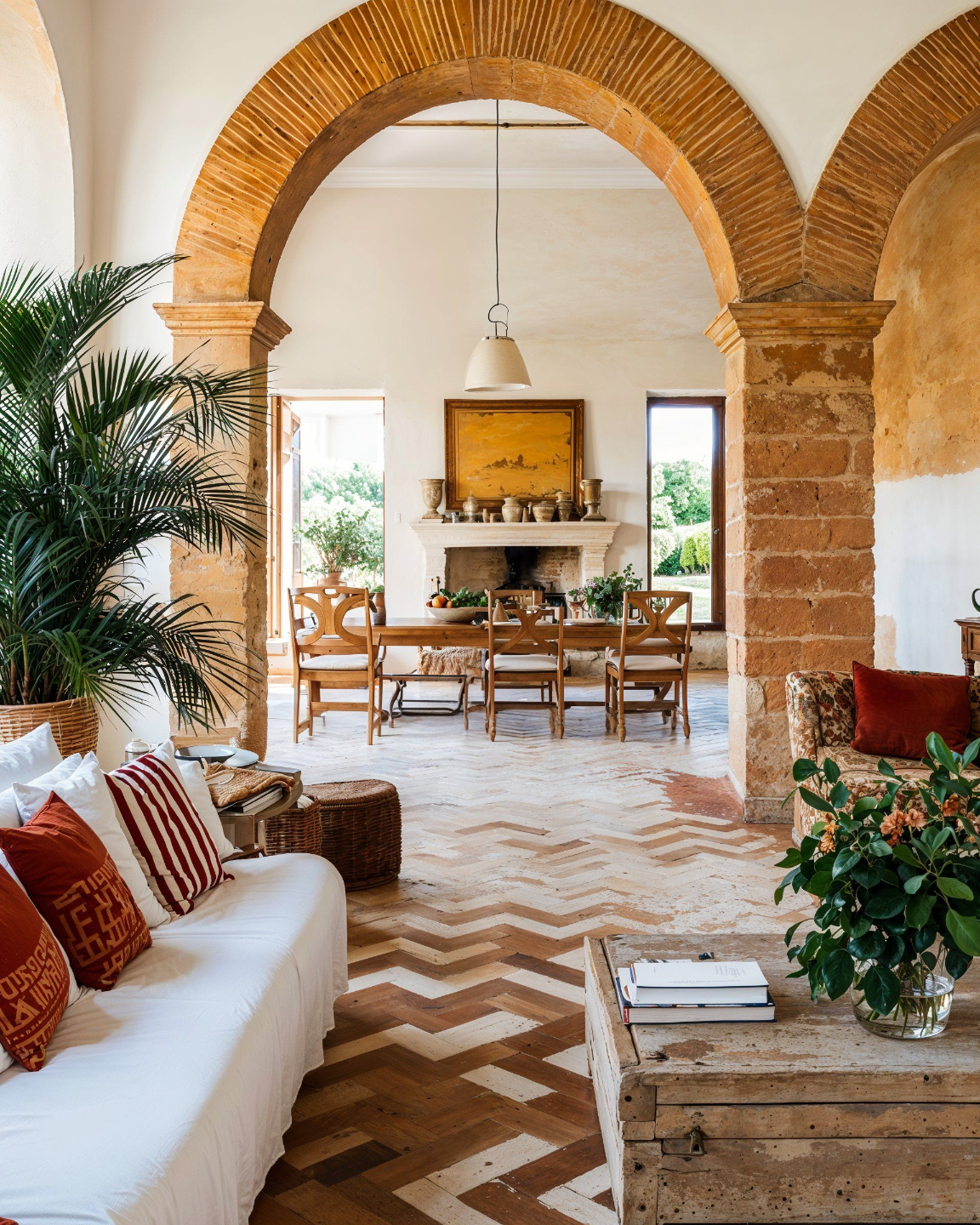
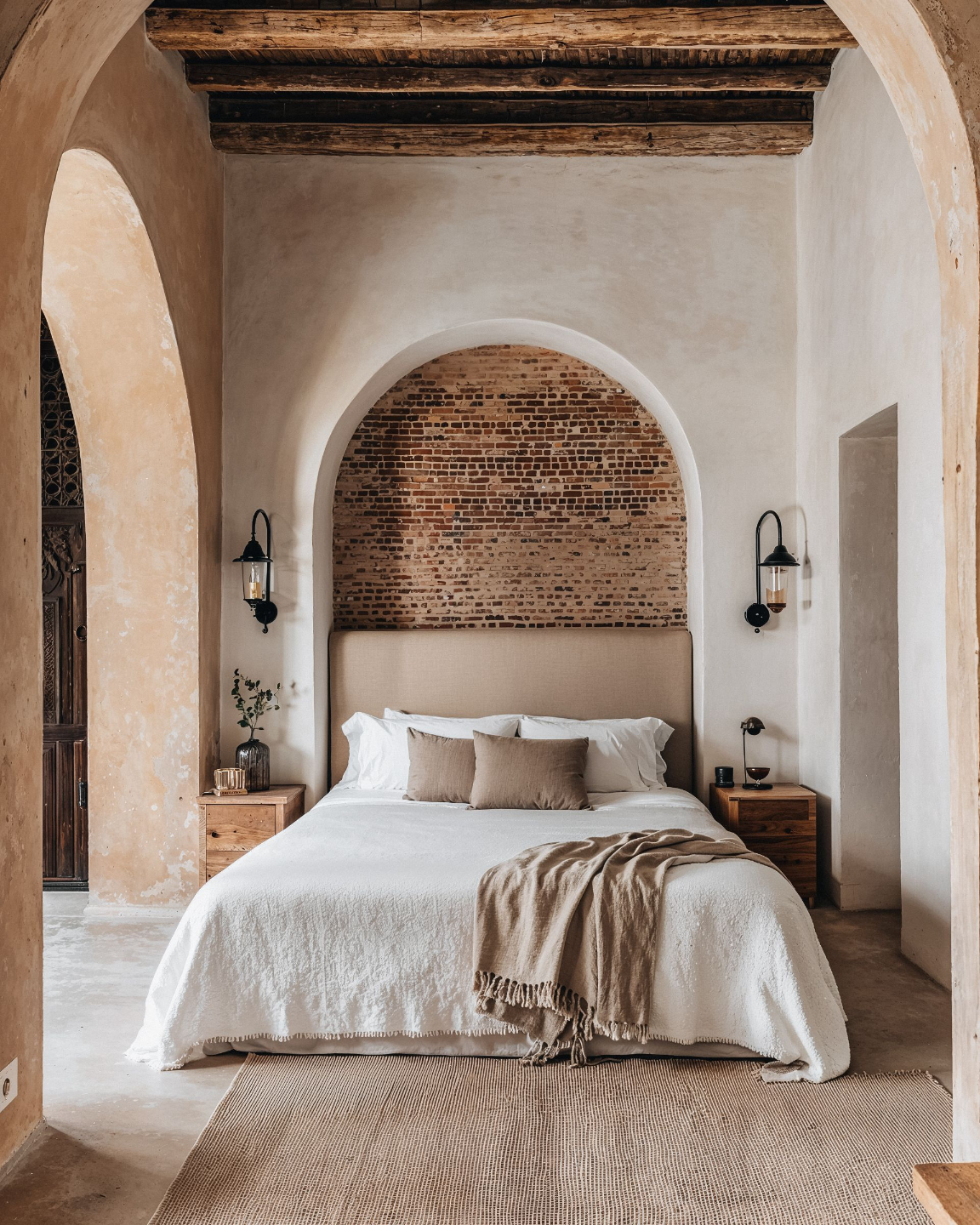
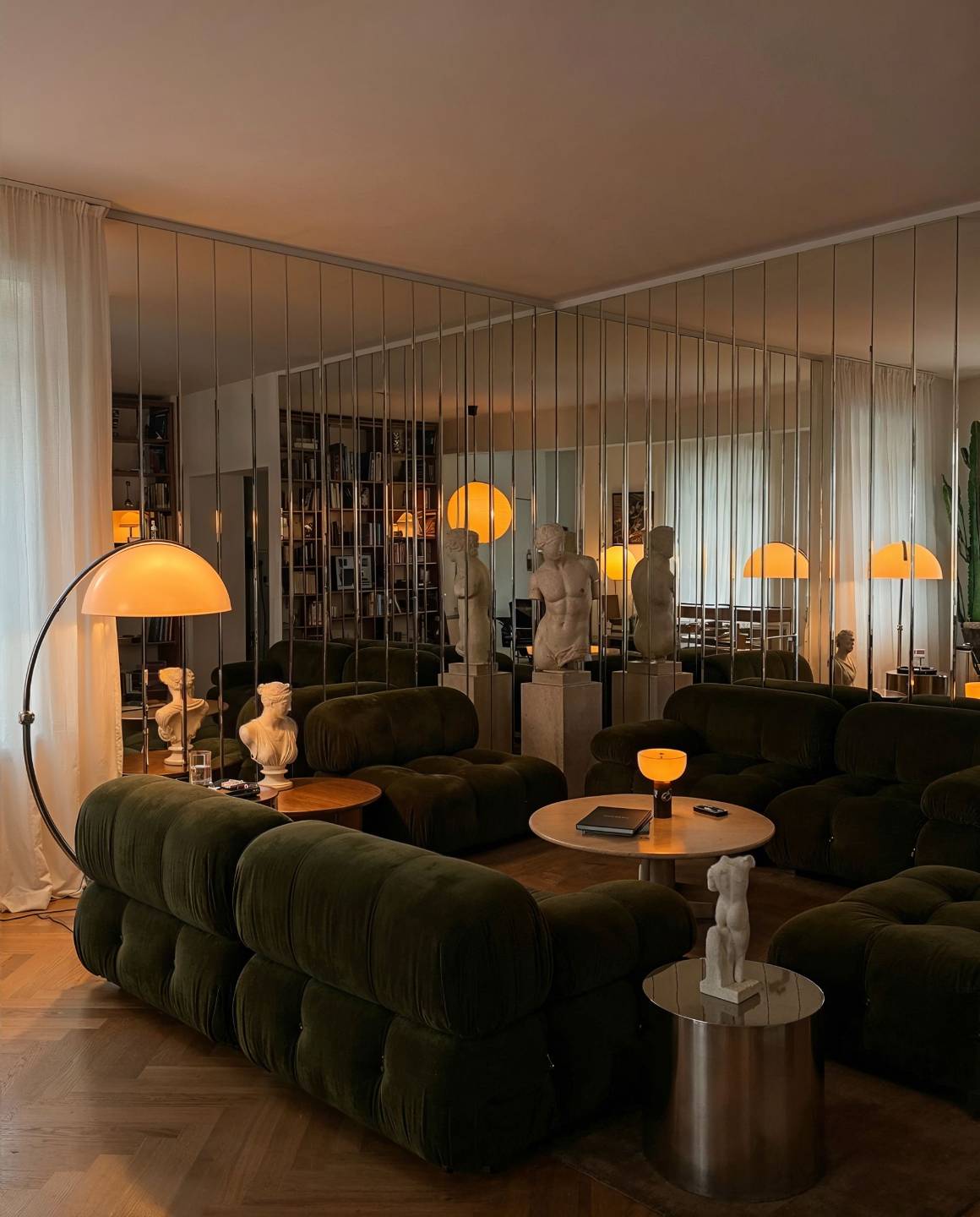
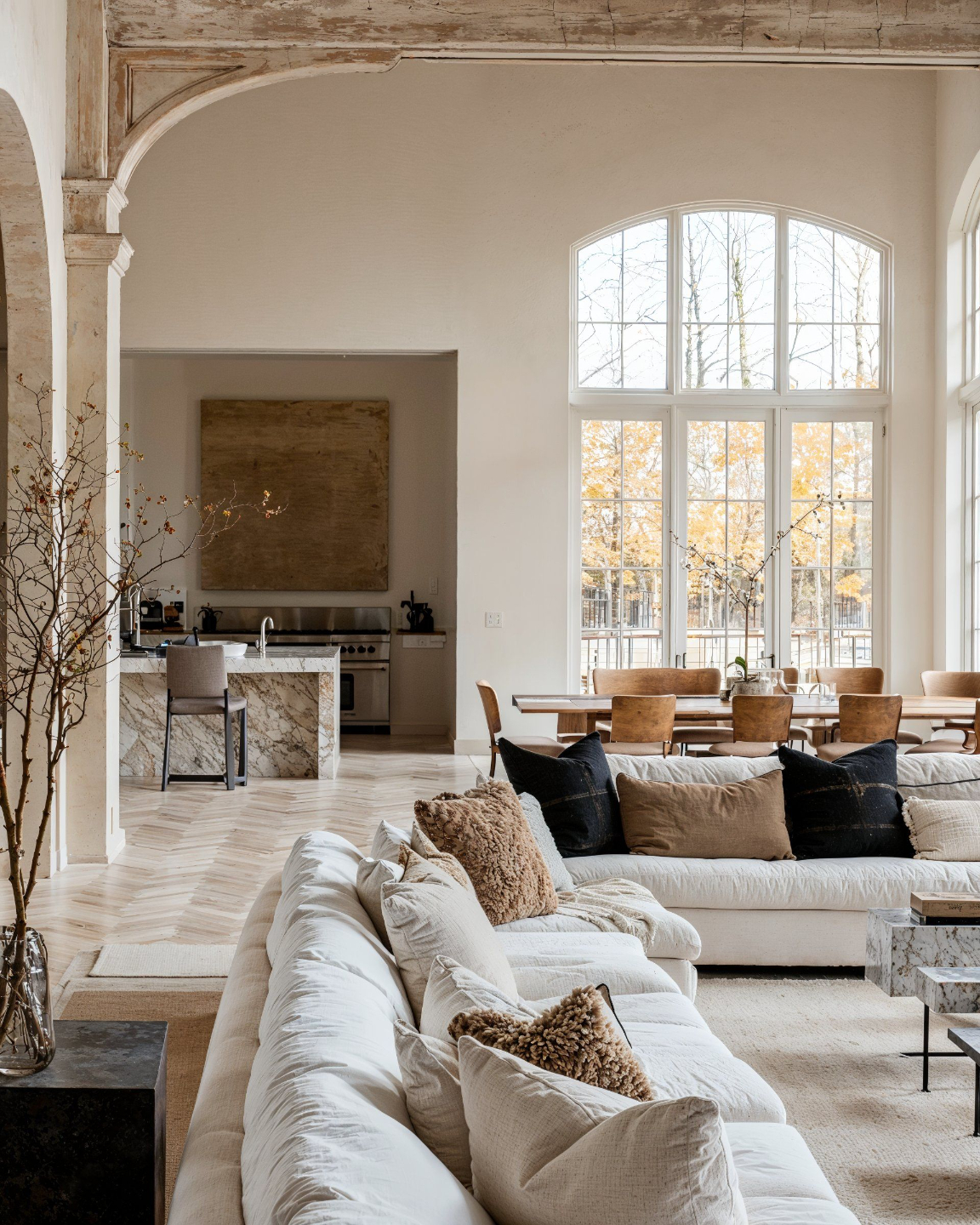
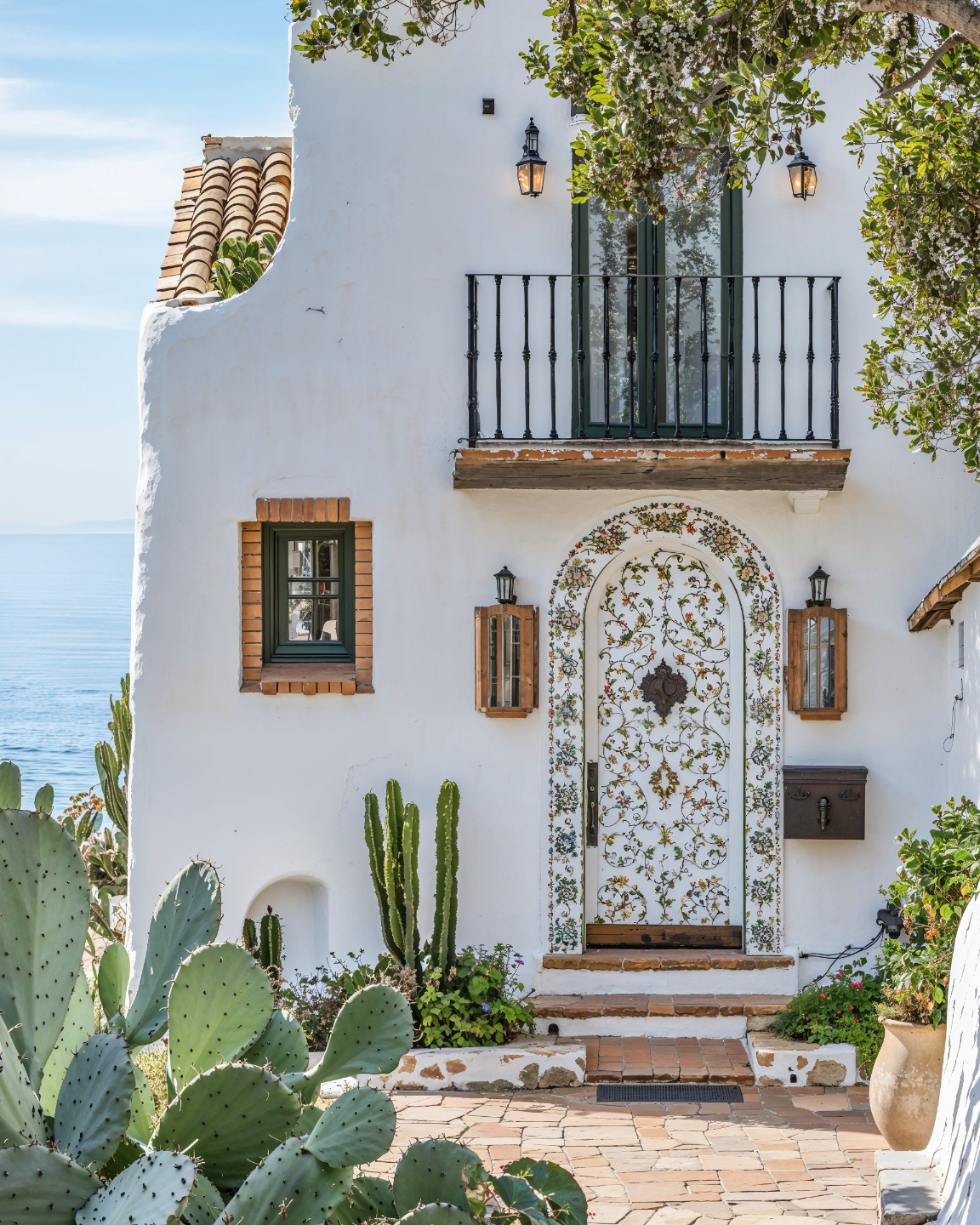
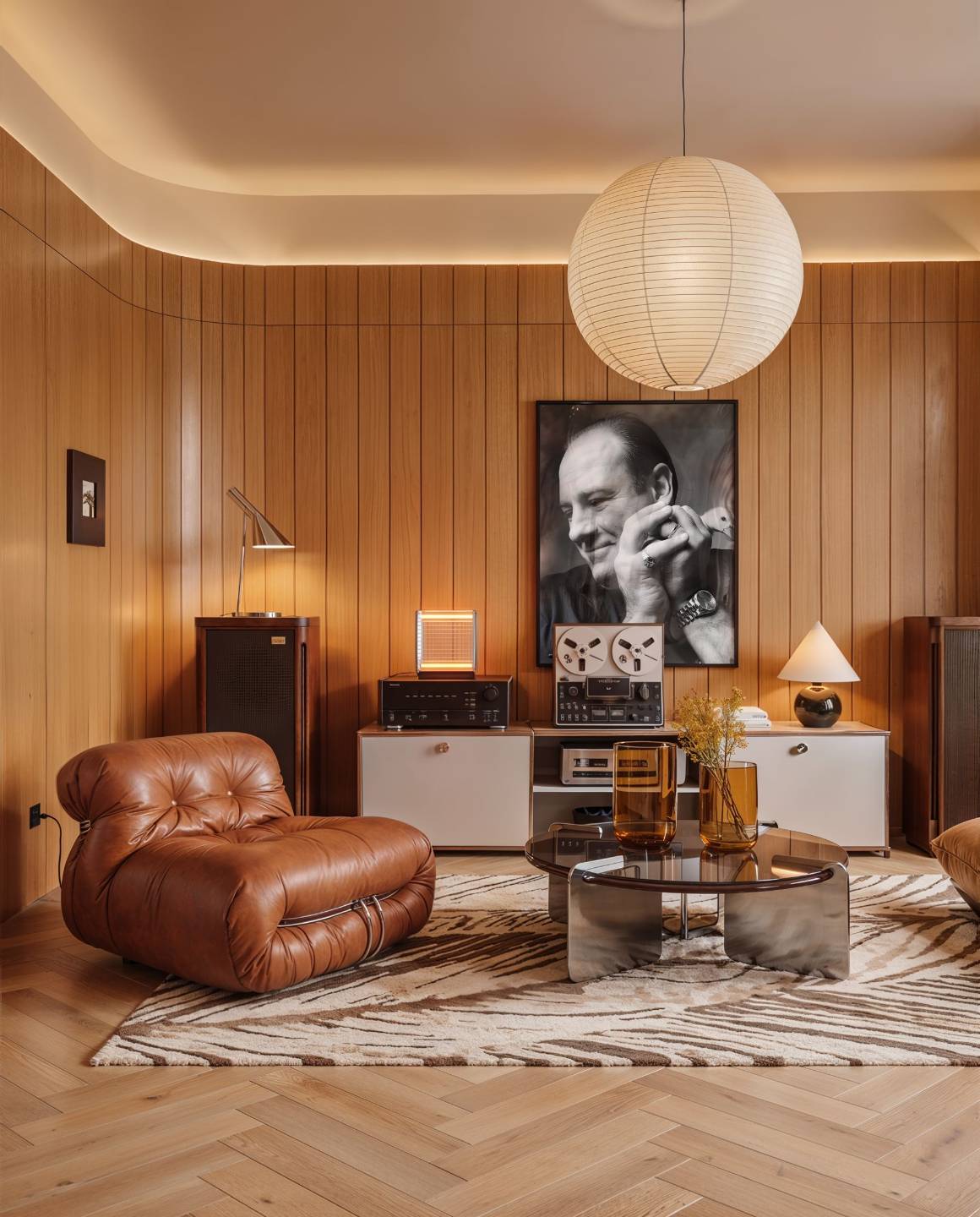
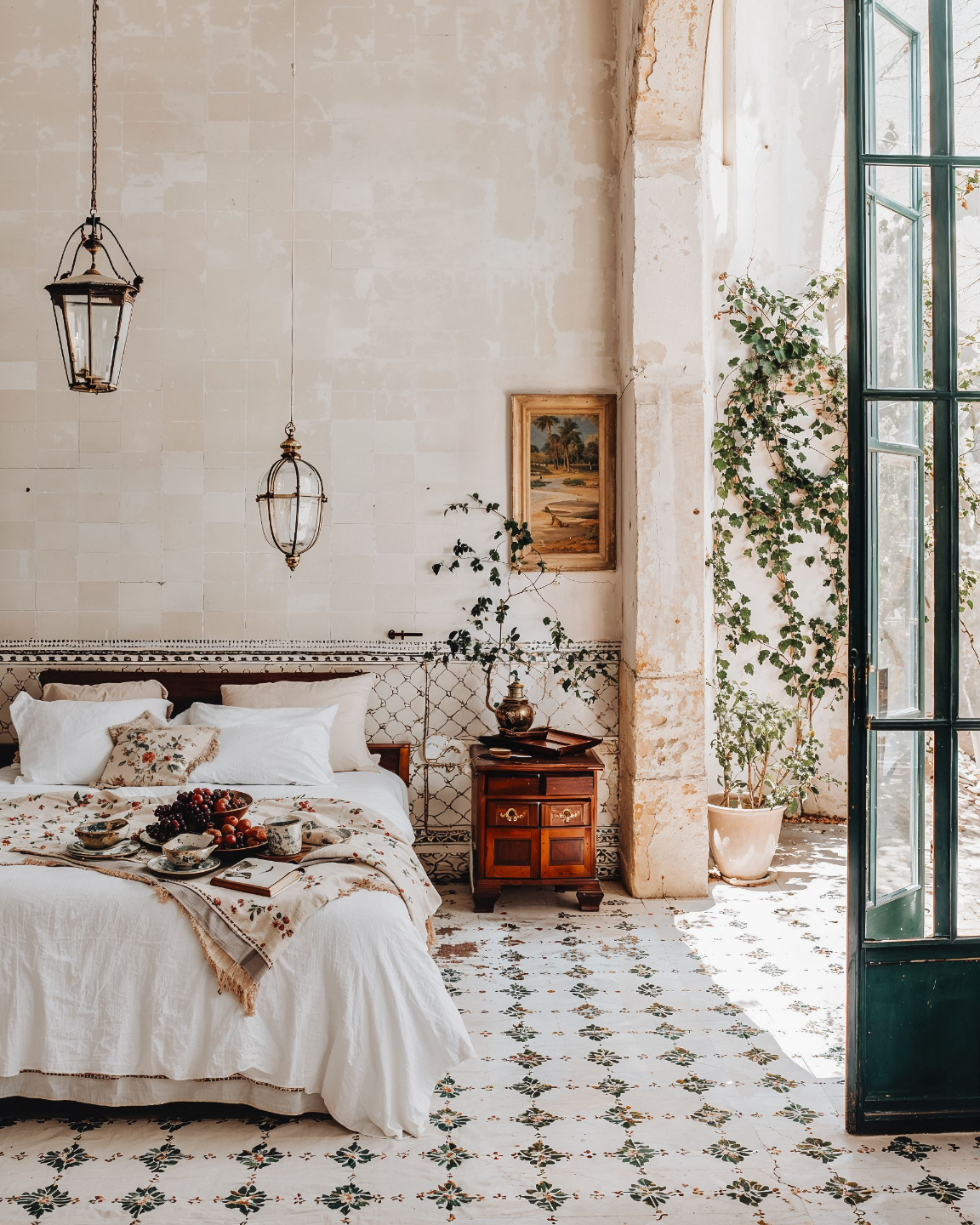
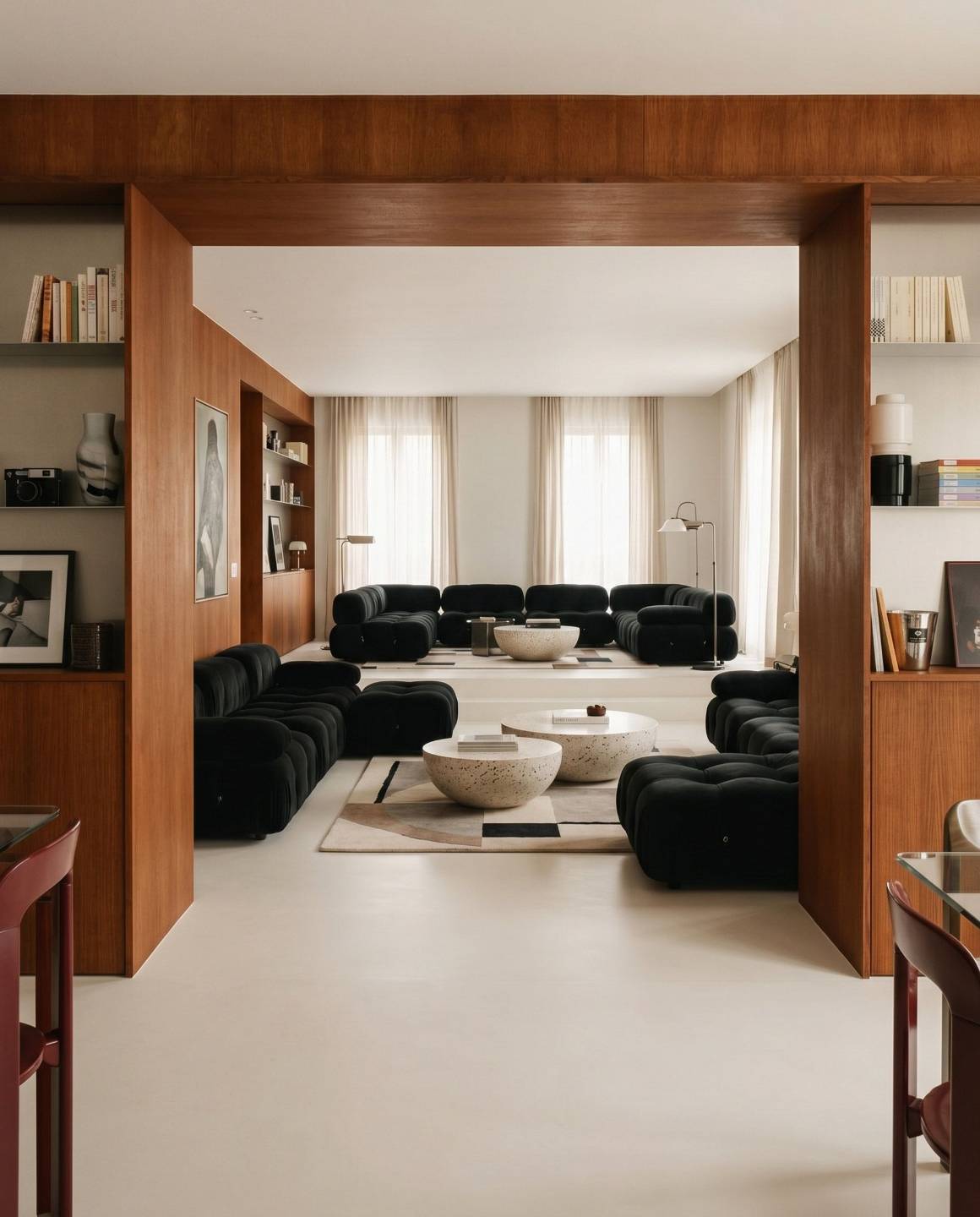
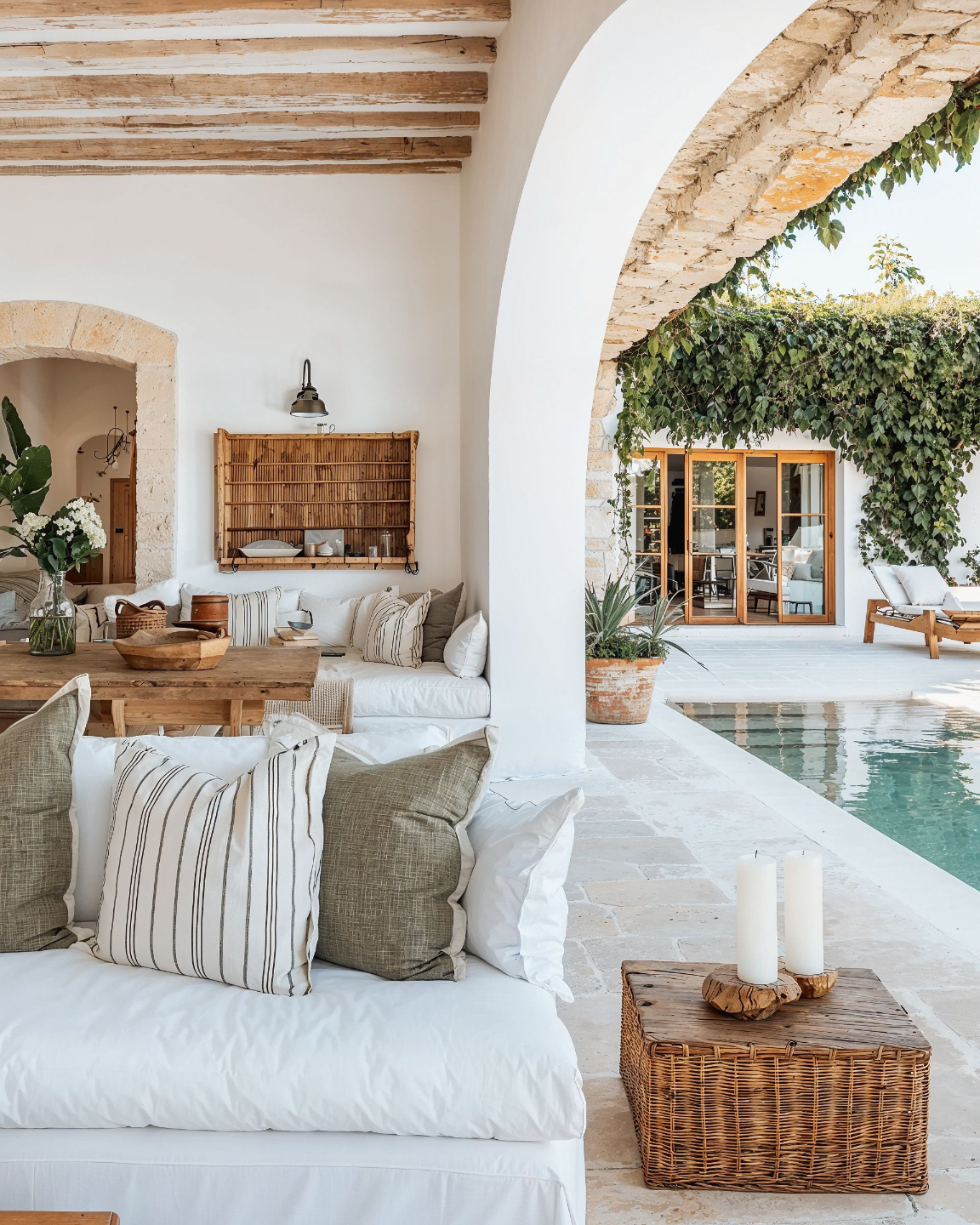
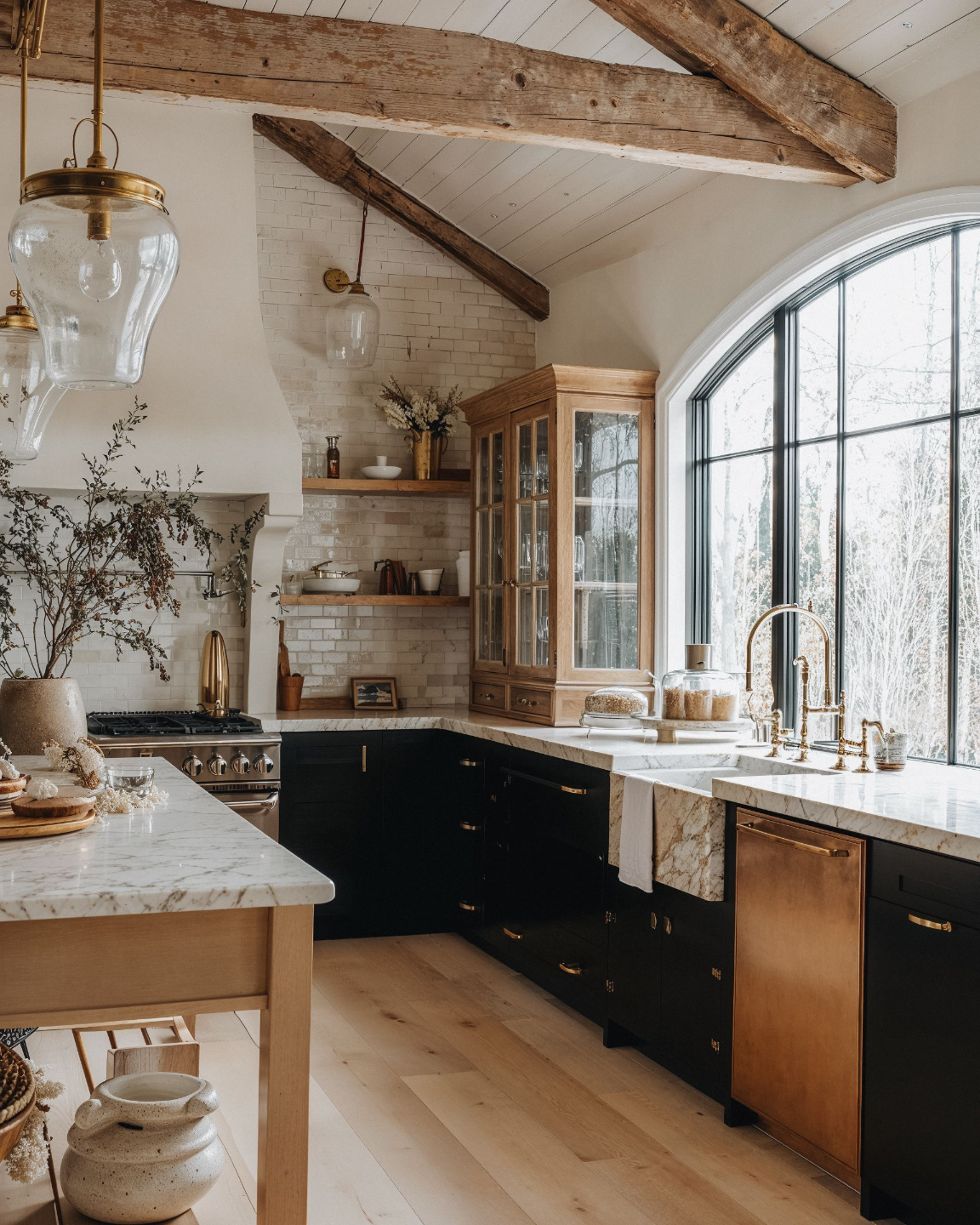
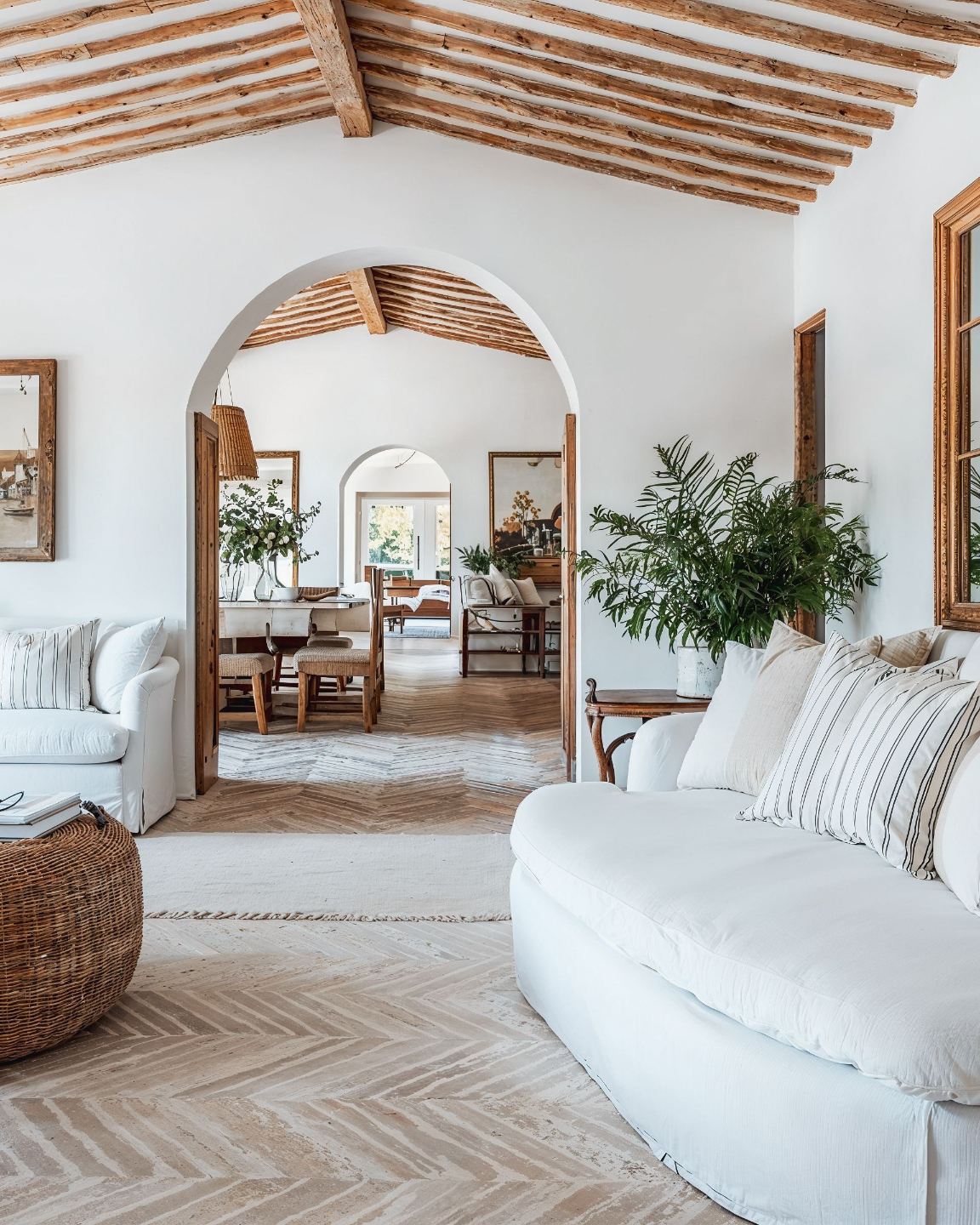
Your style. Your direction. AI as the tool.
Learn to control materials, color, lighting and atmosphere through references and clear direction.
See how the masterclass fits your work and your schedule.
Can I use this in everyday client work?
I’m not technical. Will I be able to follow?
Will my visuals still reflect my style?
What if I already use AI?
Can I fit the course around client work?
Will I need separate software subscriptions?
What is an AI Second Brain, and will I need to maintain it?
Try the workflows on your own projects, backed by a 14-day guarantee.
Start the lessons and put the workflows into practice. If the masterclass isn't right for you, email us within 14 days of purchase for a full refund.
No questions asked. You can keep the Prompt Guides and templates.
Put AI to work on your next design project.
Create better visuals. Spend less time on routine work. Build on what you already know.
Join The AI-First Designer System and learn to use AI across your visuals, studio tasks, and project knowledge.
Start with one workflow. Make it part of your day.
⭐⭐⭐⭐⭐ 4.7/5 from 300+ reviews · 1,300+ designers enrolled
Get Instant Access