Hi–I’m Sébastien.
I’m a designer helping interior designers and furniture brands make AI useful in their everyday work.
Through AI for Designers, I teach practical ways to create visuals, simplify studio tasks, and organize project knowledge—giving you more time to develop your ideas.

Drop by my socials to say hello!
AI for DESIGNERS
Built from the work I do every day.
For the past 10 years, I’ve worked across interior design and 3D visualization, including work for LVMH, Richemont, and interior design and architecture studios.
That experience shapes how I use AI. I’m interested in what helps during a real project: communicating a design direction, exploring a material choice, preparing a presentation, or finding a decision made weeks ago.
I began sharing my visual experiments through AI for Designers. Today, that work also includes AI assistants and systems for organizing the knowledge behind a studio.
I continue working on interior design projects while consulting with design brands on how to bring AI into their workflows. The courses and resources here bring those approaches into lessons you can follow and apply.
For designers who want AI to earn its place in their workflow.
AI for Designers is for interior designers, decorators, 3D visualizers, small studios, and designers working for furniture brands.
You might be exploring AI for the first time, getting inconsistent results, or looking for ways to use it beyond image creation.
Here, you’ll find practical guidance for the work already on your desk: visuals to develop, documents to prepare, and project information to keep organized.
The AI-First Designer System
A practical AI masterclass for interior designers.
Bring visual creation, everyday AI assistance, and project organization into one way of working.
Learn to create moodboards and photorealistic renders with Nano Banana, explore styles with Midjourney, and use Claude to help prepare documents and client communication.
Then build your studio’s Second Brain: an organized collection of notes, references, and decisions your AI assistant can draw on.
The lessons walk you through each workflow on screen, with prompts, guides, and templates to support you. Instagram and LinkedIn bonuses help you share your work and develop your professional presence.
Learn at your own pace, with lifetime course access and future updates included.
Learn more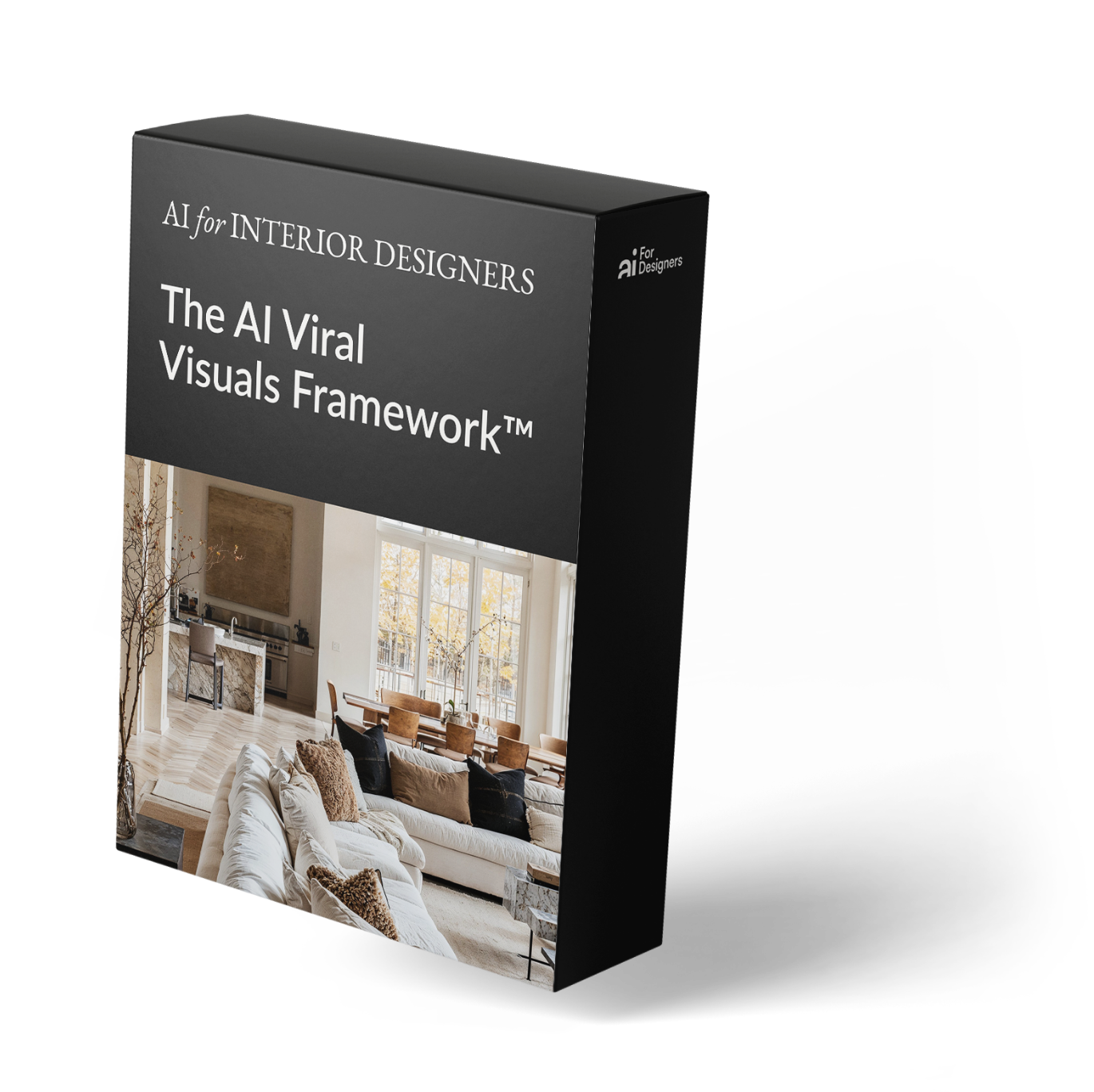
More room for the work you became a designer to do.
A useful AI workflow starts with a clear design intention.
Your client’s brief, your references, and your choices about materials, light, and atmosphere give the tools direction. Your judgment shapes the result.
The same principle applies to an AI assistant. Give it useful project context, and it can help prepare a document, organize information, or draft a follow-up you can review.
That’s the approach I teach: clear instructions, practical workflows, and a simple way to keep your knowledge available as your projects develop.
The aim is to make more space in your working day for designing.
Want to stay up-to-date with AI?
Join 20K+ designers and architects getting practical prompts, workflows, and tools.
Want to join us?
Join 20k+ readers for prompts and practical tips to speed up your design workflow with AI—no fluff, just what to use and how.
We won't send spam. Unsubscribe at any time.